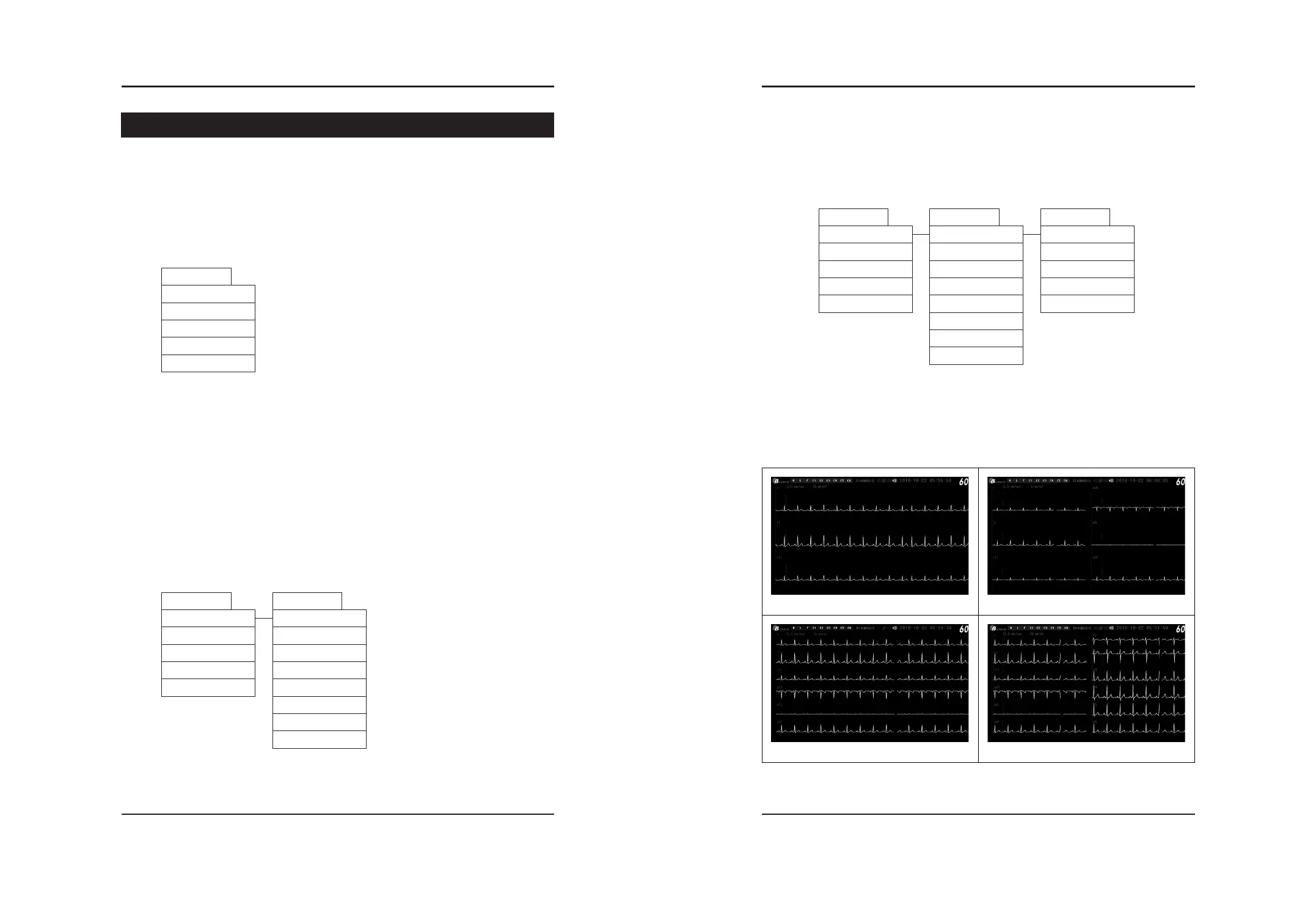
All of the Menu can be controlled by Menu button.
The way to control is as below
Step 1) To change the default setting, press the Menu button once, then you can see the below
display
After moving to Menu you want to change, by rolling to left or right the Menu button, you can
select the Menu by press (the triangle on the right side of Menu means that there are more
menu)
Step 2) Each Menu can be changed by the above mentioned way
(by rolling to right or left the menu button and press)
(1) EKG setting
Electrocardiograph (Ver 1.0)
20 MENU Setting MENU Setting 21
BCM-600
MENU Setting
EKG Lead change
▶ To change the EKG Lead Wave setting, Roll the menu buttons to right or left and
select by press it
Lead of BCM-600 provides the 4 kinds of screen
EKG channel conversion can be done by press the Lead key
- 4 different configurations are as below;


 To Next Page