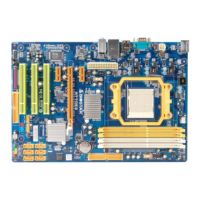
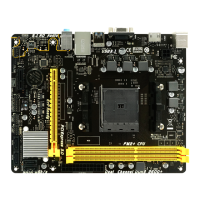
Motherboard Manual
28
CHAPTER 7: BIOS UPDATE
There are three ways to update the BIOS: BIOS Update Utility, BIOS Online
Update Utility and BIOSTAR BIOS Flasher.
7.1 BIOS UPDATE UTILITY
1. Installing BIOS Update Utility from the CD Driver.
2. Download the proper BIOS from www.biostar.com.tw .
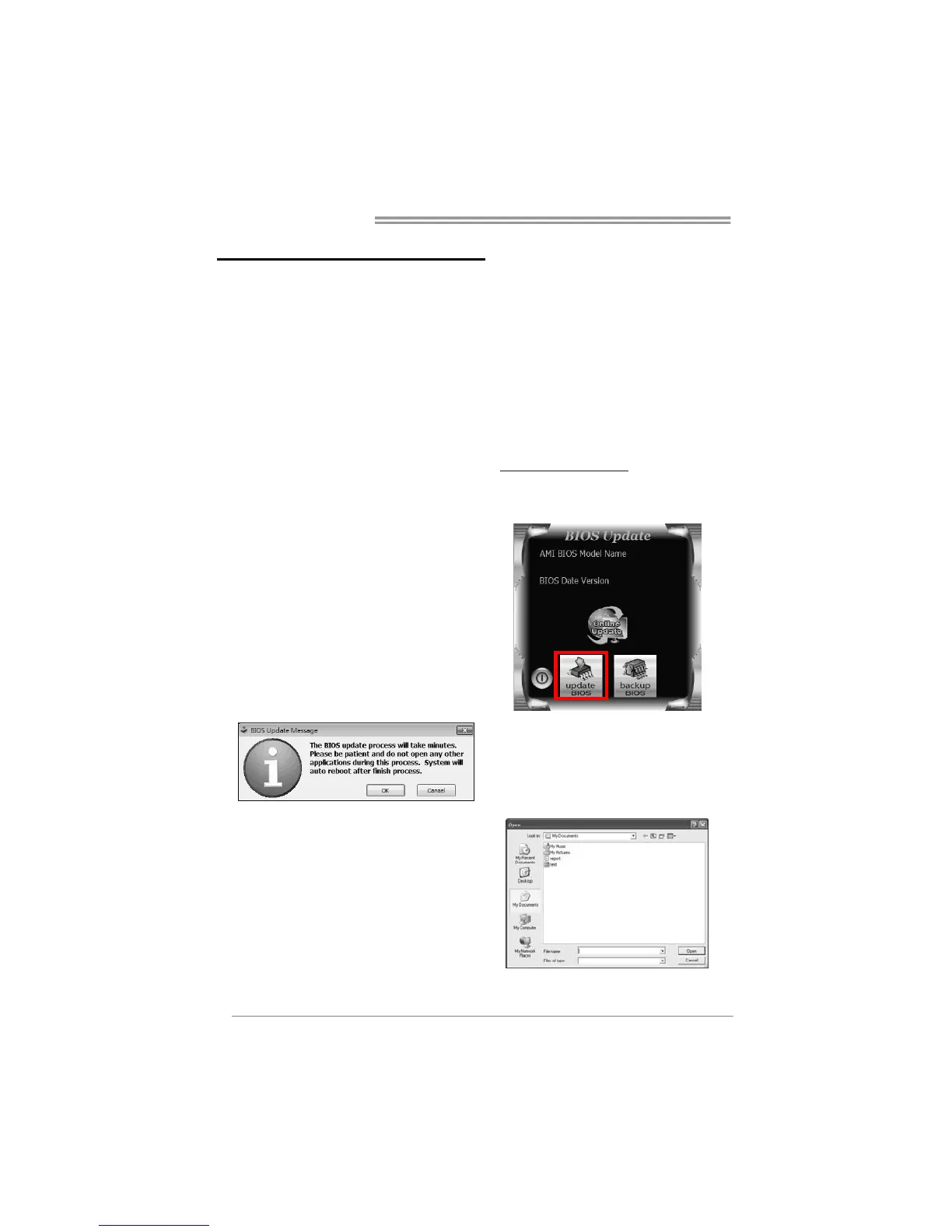
3. Open BIOS Update Utility and click
the Update BIOS button on the main
screen.
4. A warning message will show up to
request your agreement to start the
BIOS update. Click Yes to start the
update procedure.
5. Choose the location for your BIOS
file in the system. Please select the
proper BIOS file, and then click on
Open. It will take several minutes,
please be patient.


 To Next Page