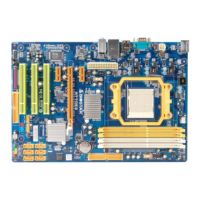
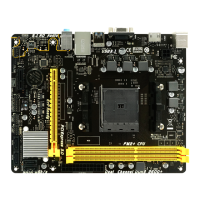
Motherboard Manual
30
7.2 ONLINE UPDATE UTILITY
1. Installing BIOS Update Utility from the CD Driver.
2. Please make sure the system is connected to the internet before
using this function.
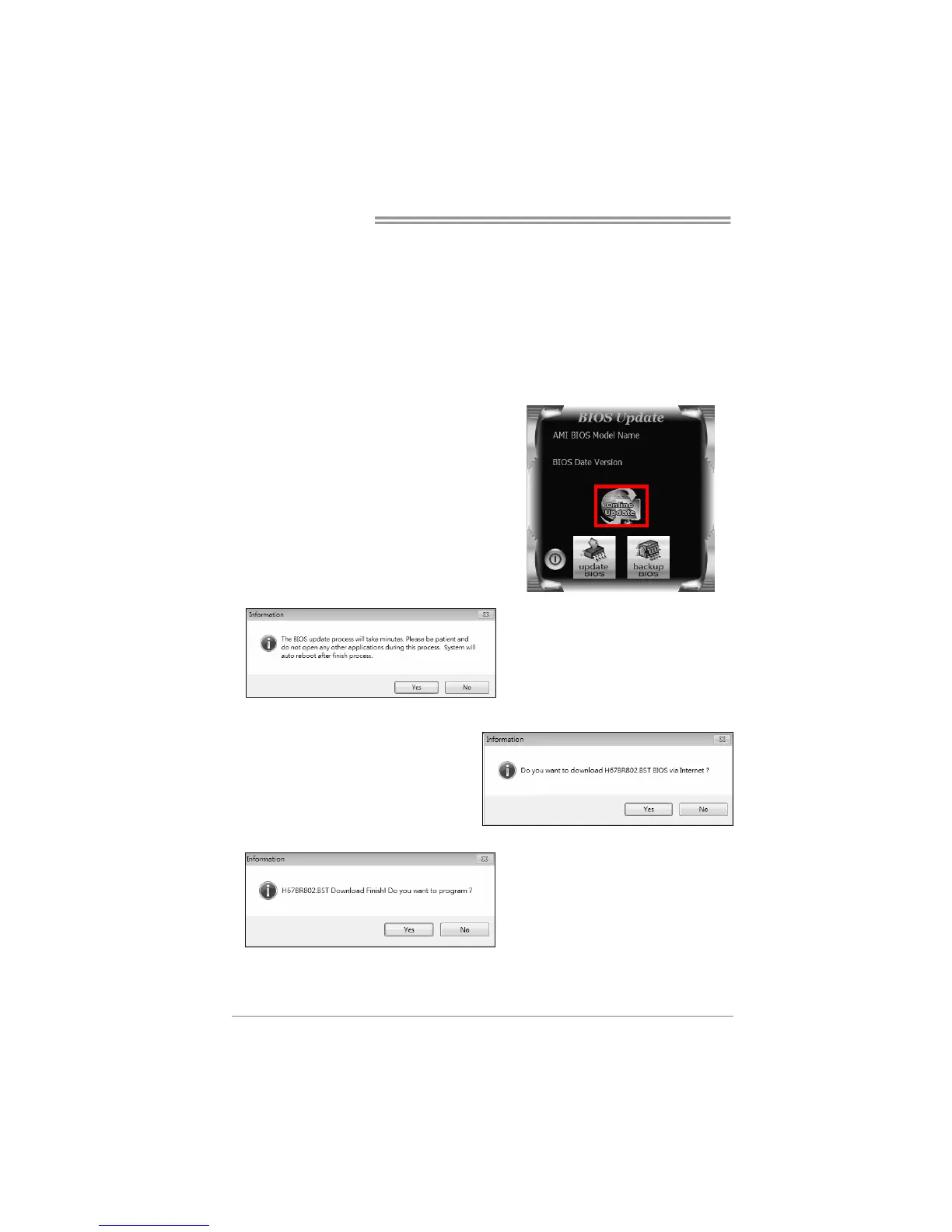
3. Open BIOS Update Utility and click the
Online Update button on the main screen.
4. An open dialog will show up to
request your agreement to start the
BIOS update. Click Yes to start the
online update procedure.
5. If there is a new BIOS version, the
utility will ask you to download it. Click
Yes to proceed.
6. After the download is completed,
you will be asked to program
(update) the BIOS or not. Click Yes
to proceed.


 To Next Page