G41 HD BIOS Manual
4
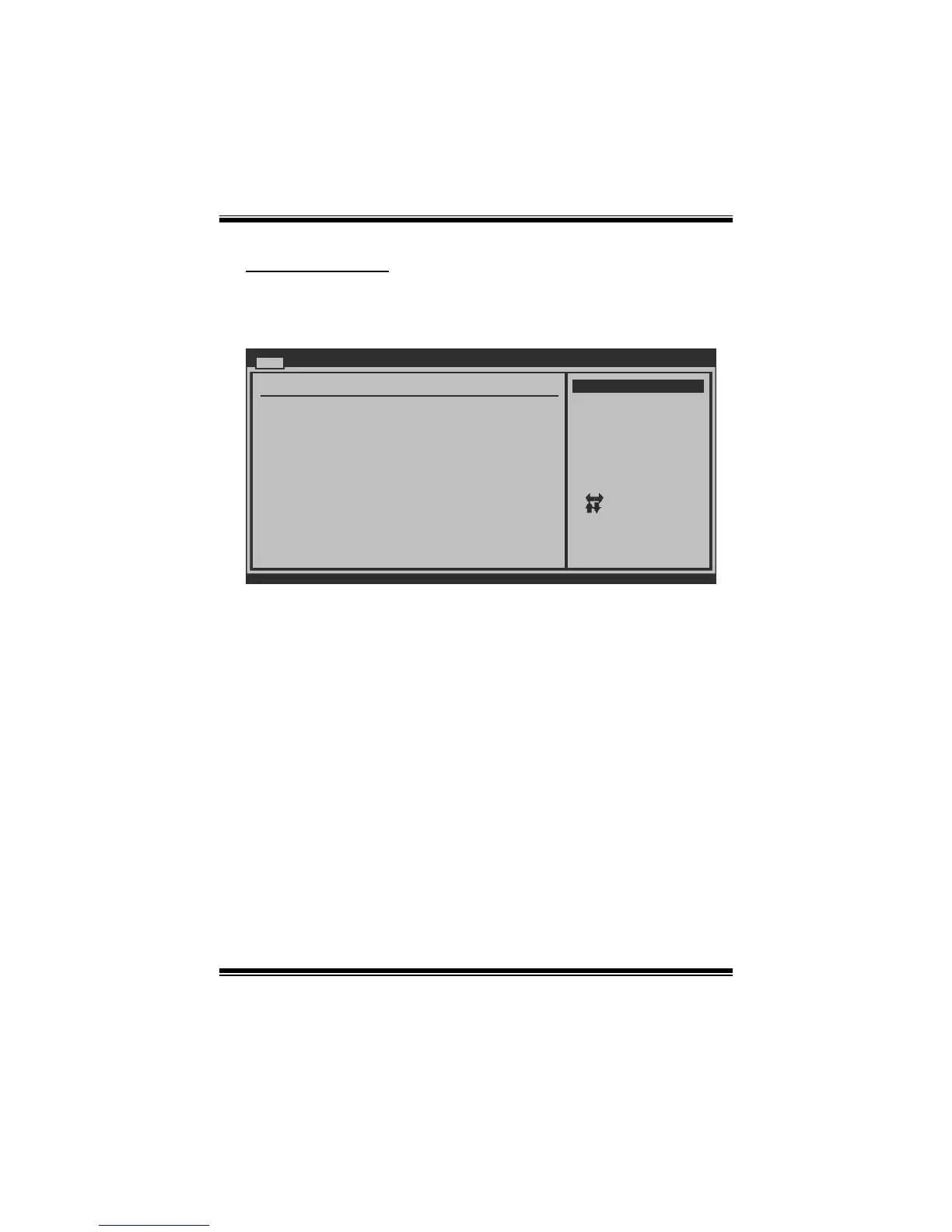
IDE Configuration
The BIOS will automatically detect the presence of IDE/SAT A devices. There is a
sub-menu for each IDE/SATA device. Select a device and press <Enter> to enter
the sub-menu of detailed options.
BIOS SETUP UTILITY
Main
vxx.xx (C)Copyright 1985-200x, American Megatrends, Inc.
Select Screen
Select Item
Go to Sub Screen
General Help
Save and Exit
Exit
Enter
F1
F10
ESC
IDE Confuguration
Configure SATA Channels [Before PATA]
Legacy IDE Channels [SATA Pri, PATA Sec]
> SATA1 Device
>
Hard Disk Write Protect [Disabled]
IDE Detect Time Out (Sec) [35]
SATA2 Device
> SATA3 Device
> SATA4 Device
> IDE Channel 1 Master
> IDE Channel 1 Slave
ATA/IDE Configuration [Enhanced]
Options
Disabled
Compatible
Enhanced
ATA/IDE Configuration
This item allows you to control the onboard IDE controller.
Options: Enhanced (Default) / Compatible / Disabled
Configure SATA Channels
This item allows you to control the SATA channel configuration sequence.
Options: Before PATA (Default) / Behind PATA
Legacy IDE Channels
This item appears only when “ATA/IDE Configuration” is set to “Compatible”.
Options: SATA Pri, PATA Sec (Default) / SATA Only / PATA Pri, SATA Sec /
PATA Only


 To Next Page