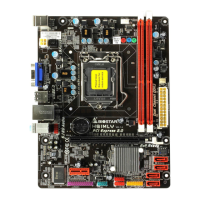
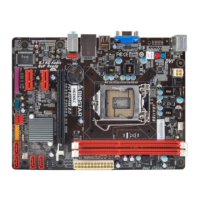
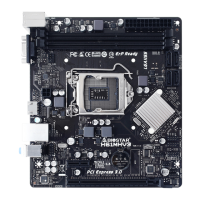
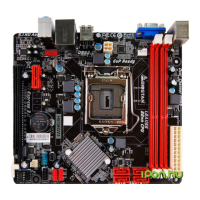
TH61MU3/H61MU3/H61MH/H61ML
UEFI BIOS Manual
16
Parallel Port
This item enables or disables Parallel Port (LPT/LPTE).
Options: Enabled (Default) / Disabled
Change Settings
This item allows you to select an optimal setting for Super IO device.
Options: Auto (Default) / IO=378h; IRQ=5 / IO=378h; IRQ=5, 6, 7, 9, 10, 11, 12 /
IO=278h; IRQ=5, 6, 7, 9, 10, 11, 12 / IO=3BCh; IRQ=5, 6, 7, 9, 10, 11,
12
Device Mode
This item allows you to determine how the parallel port should function.
Options: Standard Parallel Port Mode (Default) (Using Parallel port as Standard
Printer Port) /
EPP Mode (Using Parallel Port as Enhanced Parallel Port) /
ECP Mode (Using Parallel port as Extended Capabilities Port) /
ECP Mode & EPP Mode (Using Parallel port as ECP & EPP mode)
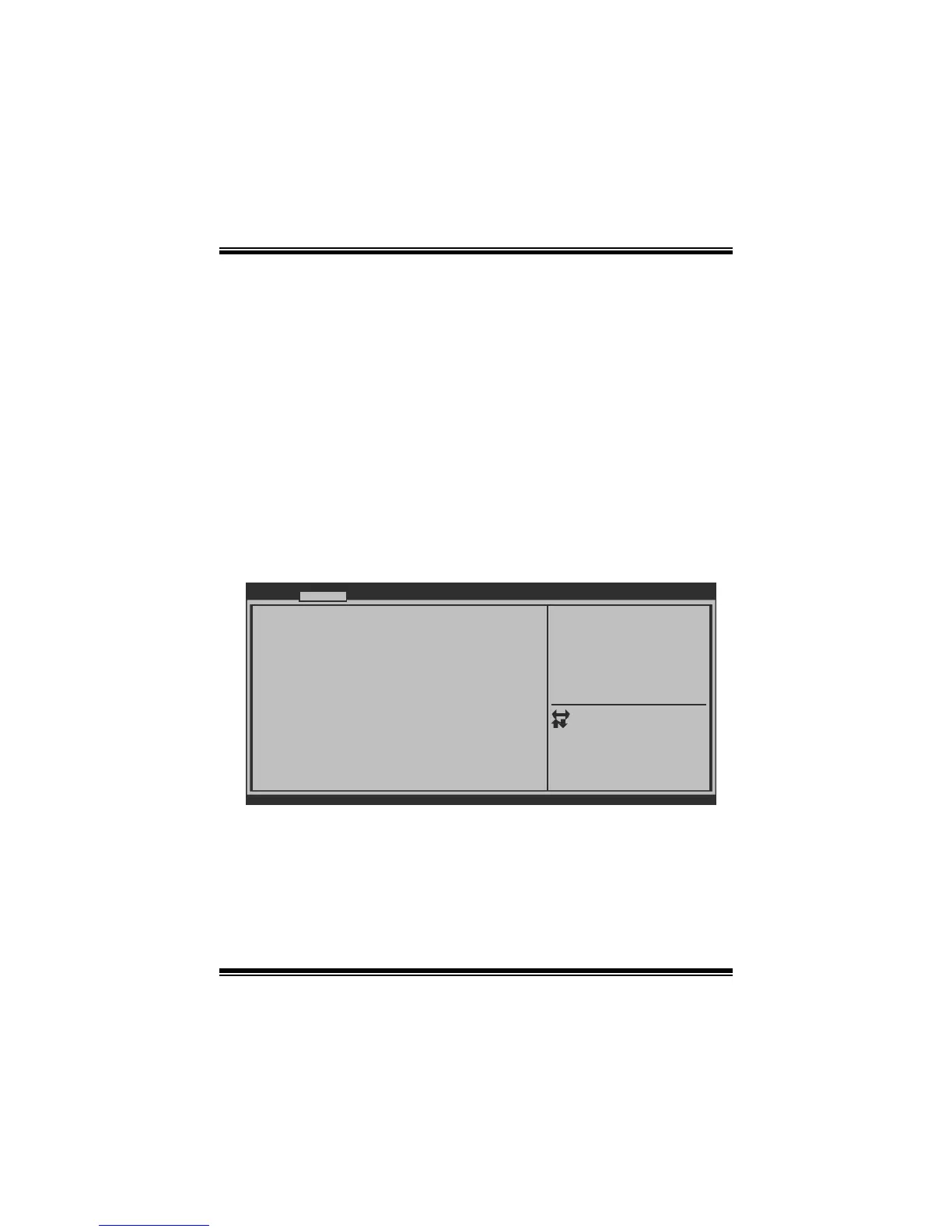
CIR Controller Configuration
BIOS SETUP UTILITY
CIR Controller Configuration
CIR Controller [Disabled]
Version x.xx.xxxx. Copyright© 201x, American Megatrends, Inc.
Advanced
Enable or Disable CIR
Controller
Select Screen
Select Item
Select
Change Opt.
General Help
Optimized Defaults
Save & Reset
Exit
Enter
+/-
F1
F3
F4
ESC
CIR Controller
This item enables or disables CIR Controller.
Options: Disabled (Default) / Enabled


 To Next Page
 Loading...