NM70I-847/NM70I-807/NM70I-1007U/NM70I-1037U
3
1.4 Central Processing Unit (CPU)
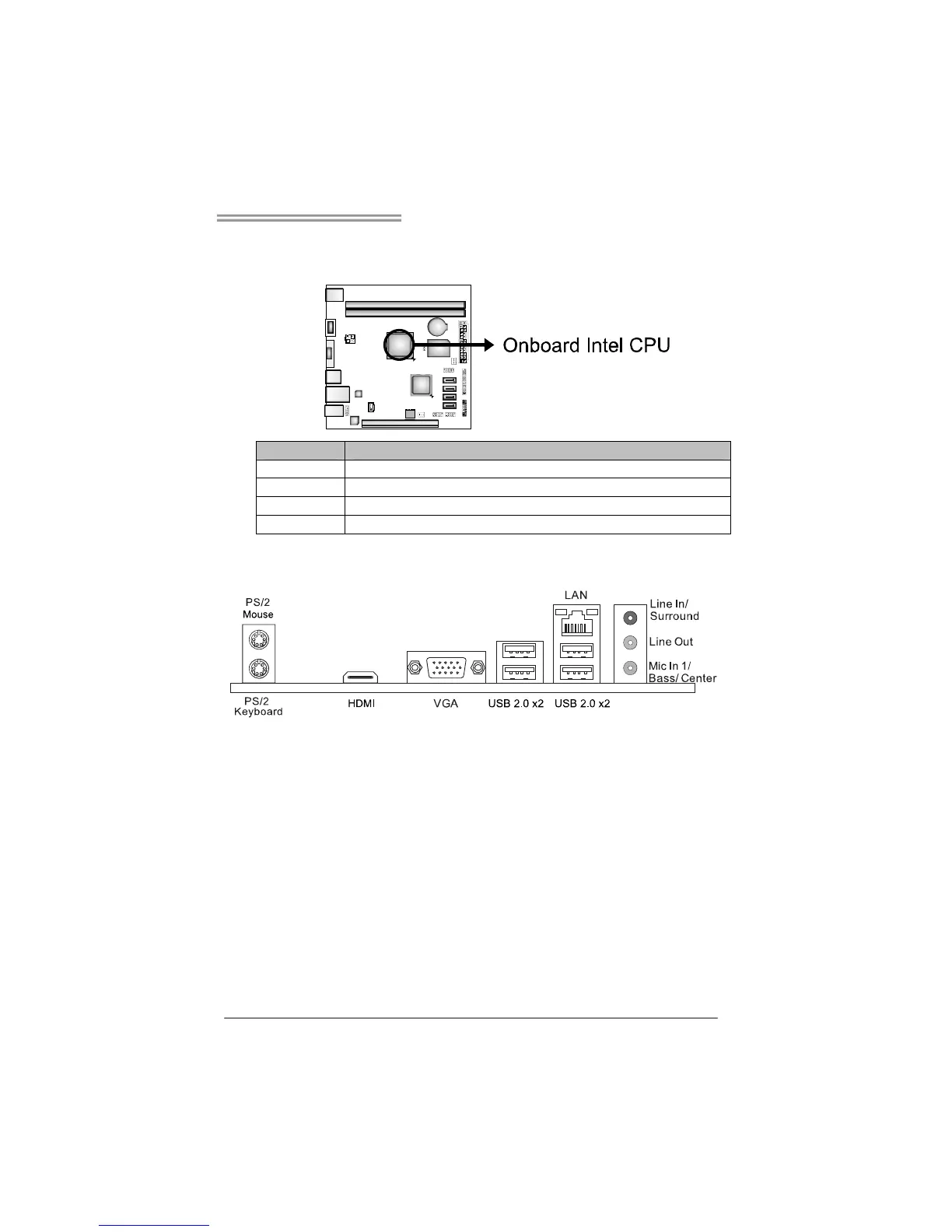
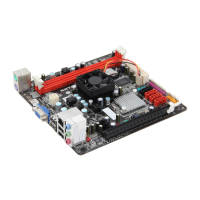
The motherboard is equipped with an onboard Intel processor and a CPU cooler.
Model: Onboard Intel CPU:
NM70I-847 Intel® Celeron® Processor 847 (Dual Core 1.1GHz, Sandy Bridge)
NM70I-807 Intel® Celeron® Processor 807 (Single Core 1.5GHz, Sandy Bridge)
NM70I-1007U Intel® Celeron® Processor 1007U (Dual Core 1.5 GHz, Ivy Bridge)
NM70I-1037U Intel® Celeron® Processor 1037U (Dual Core 1.8 GHz, Ivy Bridge)
1.5 Rear Panel Connectors
Note 1: Since the audio chip supports High Definition Audio Specification, the function of
each audio jack can be defined by software. The input / output function of each audio jack
listed above represents the default setting. However, when connecting external
microphone to the audio port, please use the Line In (Blue) and Mic In (Pink) audio jack.
Note 2: Maximum resolution:
VGA: 2048 x 1536 @75Hz
HDMI: 1920 x 1200 @60Hz







 To Next Page