Viotech 3200+ BIOS Manual
13
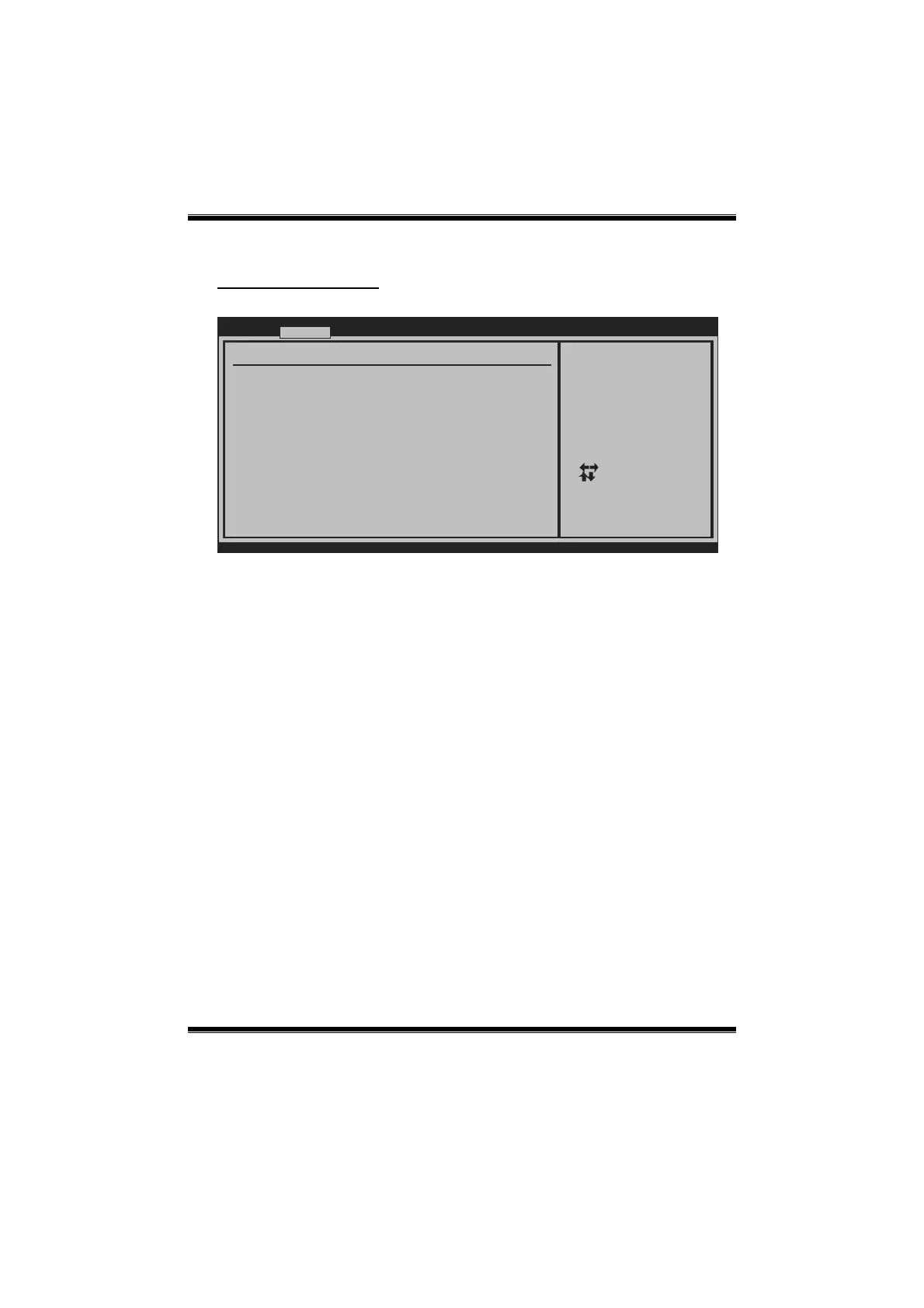
USB Configuration
This item shows the USB controller and using USB device information.
BIOS SETUP UTILITY
Advanced
vxx.xx (C)Copyright 1985-200x, American Megatrends, Inc.
Select Screen
Select Item
Change Option
General Help
Save and Exit
Exit
+-
F1
F10
ESC
USB Configuration
USB Devices Enabled:
Module Version - 2.24.5-13.4
OnChip UHCI1 Device [Enabled]
OnChip UHCI2 Device [Enabled]
OnChip UHCI3 Device [Enabled]
OnChip UHCI4 Device [Enabled]
OnChip EHCI Device [Enabled]
Legacy USB Support [Enabled]
USB 2.0 Controller Mode [HiSpeed]
BIOS EHCI Hand-Off [Enabled]
Legacy USB 1.1 HC Support [Enabled]
> USB Mass Storage Device Configuration
USB1.1 Function 0 port
OnChip UHCI 1/2/3/4 Device
This item allows you to control OHCI host controller. (USB 1.1 Device)
Options: Enabled (Default) / Disabled
OnChip EHCI Device
This item allows you to control EHCI host controller. (USB 2.0 Device)
Options: Enabled (Default) / Disabled
Legacy USB Support
This item determines if the BIOS should provide legacy support for USB devices
like the keyboard, mouse, and USB drive. This is a useful feature when using such
USB devices with operating systems that do not natively support USB (e.g.
Microsoft DOS or Windows NT).
Options: Enabled (Default) / Disabled
USB 2.0 Controller Mode
This item allows you to select the operation mode of the USB 2.0 controller.
Options: HiSpeed (Default) USB 2.0-480Mbps
FullSpeed USB 1.1-12Mbps






 To Next Page