Viotech 3200+ BIOS Manual
29
Security
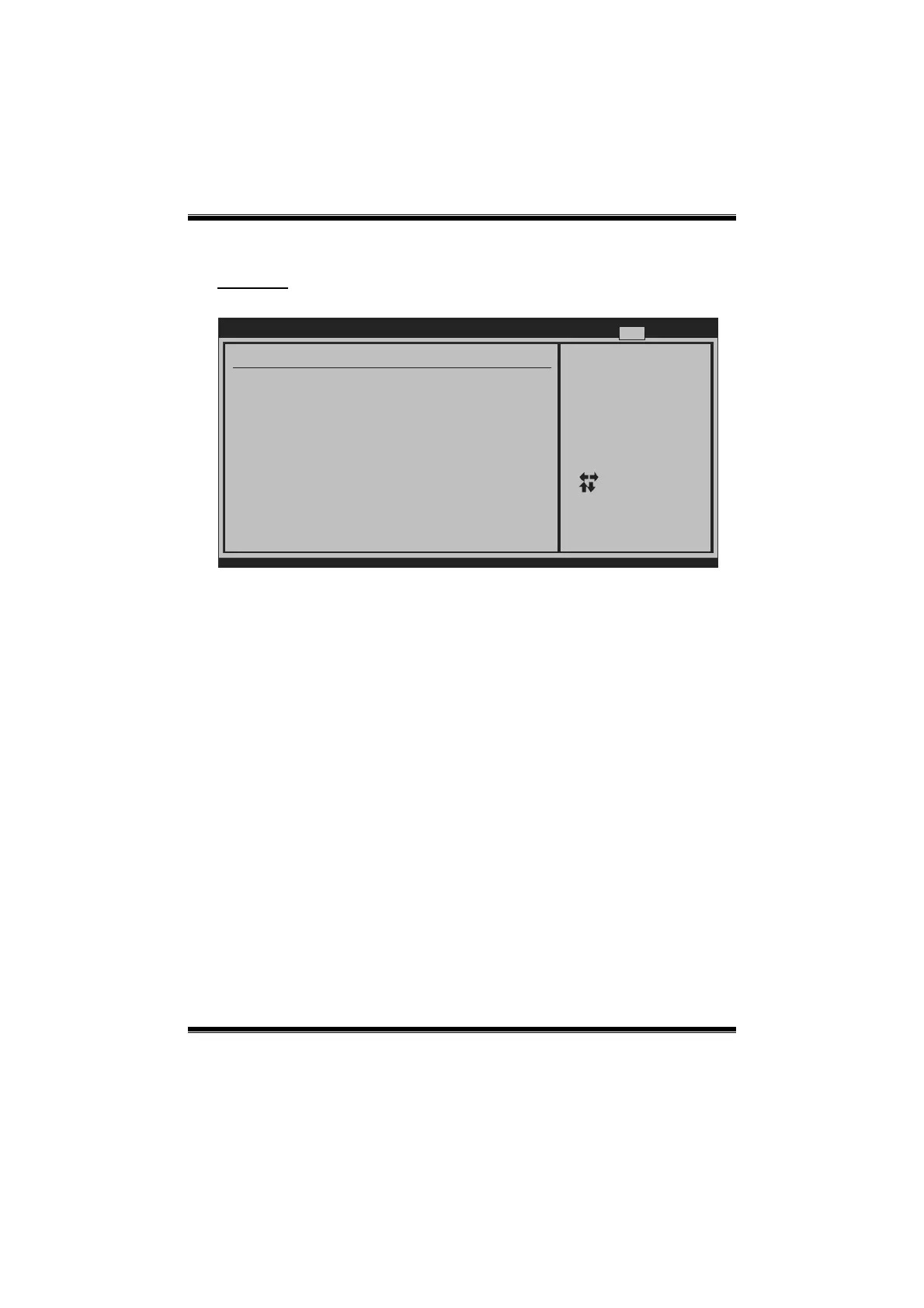
This sub-menu allows you to provide/revise supervisor and user password.
BIOS SETUP UTILITY
vxx.xx (C)Copyright 1985-200x, American Megatrends, Inc.
Select Screen
Select Item
Change
General Help
Save and Exit
Exit
Enter
F1
F10
ESC
Install or Change the
password.
Security Settings
Supervisor Password :Not Installed
User Password :Not Installed
Change Supervisor Password
Change User Password
Boot Sector Virus Protection [Disabled]
Exit
Change Supervisor Pa ssword
Setting the supervisor pass word will prohibit everyone except the supervisor from
making changes using the CMOS Setup Utility. You will be prompted with to enter a
password.
Change User Password
If the Supervisor Password is not set, then the User Password will function in the
same way as the Supervisor Password. If the Supervisor Password is set and the User
Password is set, the “User” will only be able to view configurations but will not be
able to change them.
Boot Sector Virus Protection
This optio n allows you to c hoos e the VIRUS Warning feature that is used to pro tect
the IDE Hard Disk boot sector. If this function is enabled and an attempt is made to
write to the boot sector, BIOS will display a warning message on the screen and
sound an alarm beep.
Options: Disabled (Default) / Enabled











 To Previous Page