Viotech 3200+ BIOS Manual
24
6 Performance Menu
This submenu allo ws you to change voltage and clock of various devices.
(However, we suggest you use the default setting. Changing the voltage and clock
improperly may damage the device.)
Notice
z Beware of that setting inappropriate values in items of this menu may cause
system to malfunction.
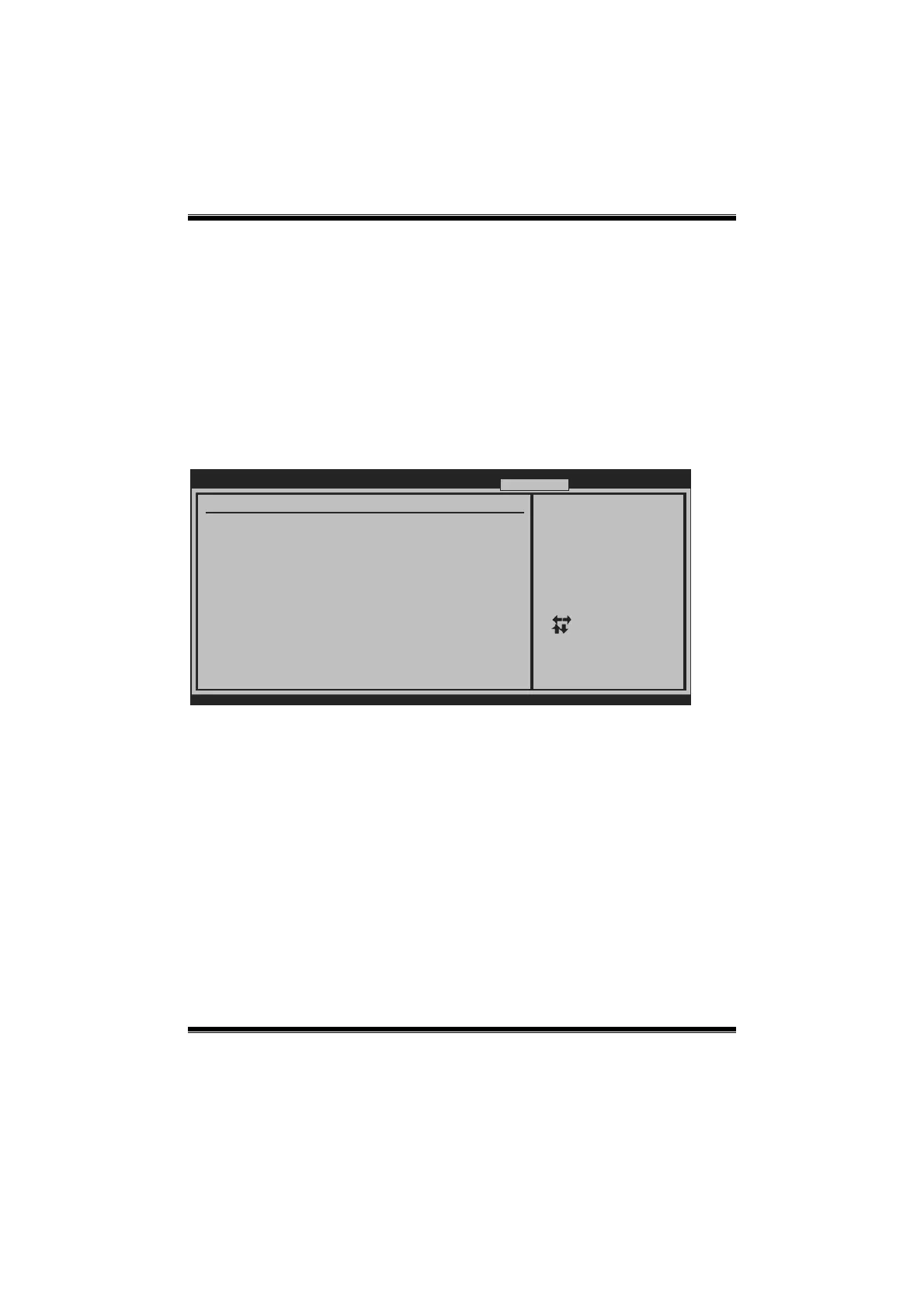
BIOS SETUP UTILITY
Main Advanced
PCIPnP Boot
Chipset Performance
vxx.xx (C)Copyright 1985-200x, American Megatrends, Inc.
Select Screen
Select Item
Go to Sub Screen
General Help
Save and Exit
Exit
Enter
F1
F10
ESC
Performance Settings
WARNING:Please Clear CMOS if system no display
after overclocking.
> DRAM Clock/Timing Configuration
> Clock Control
Exit






 To Next Page