Viotech 3200+ BIOS Manual
20
5 Chipset Menu
This submenu allows you to configure the specific features of the chipset installed on
your system. This chipset manage bus speeds and access to system memory
resources, such as DRAM. It also coordinates communications with the PCI bus.
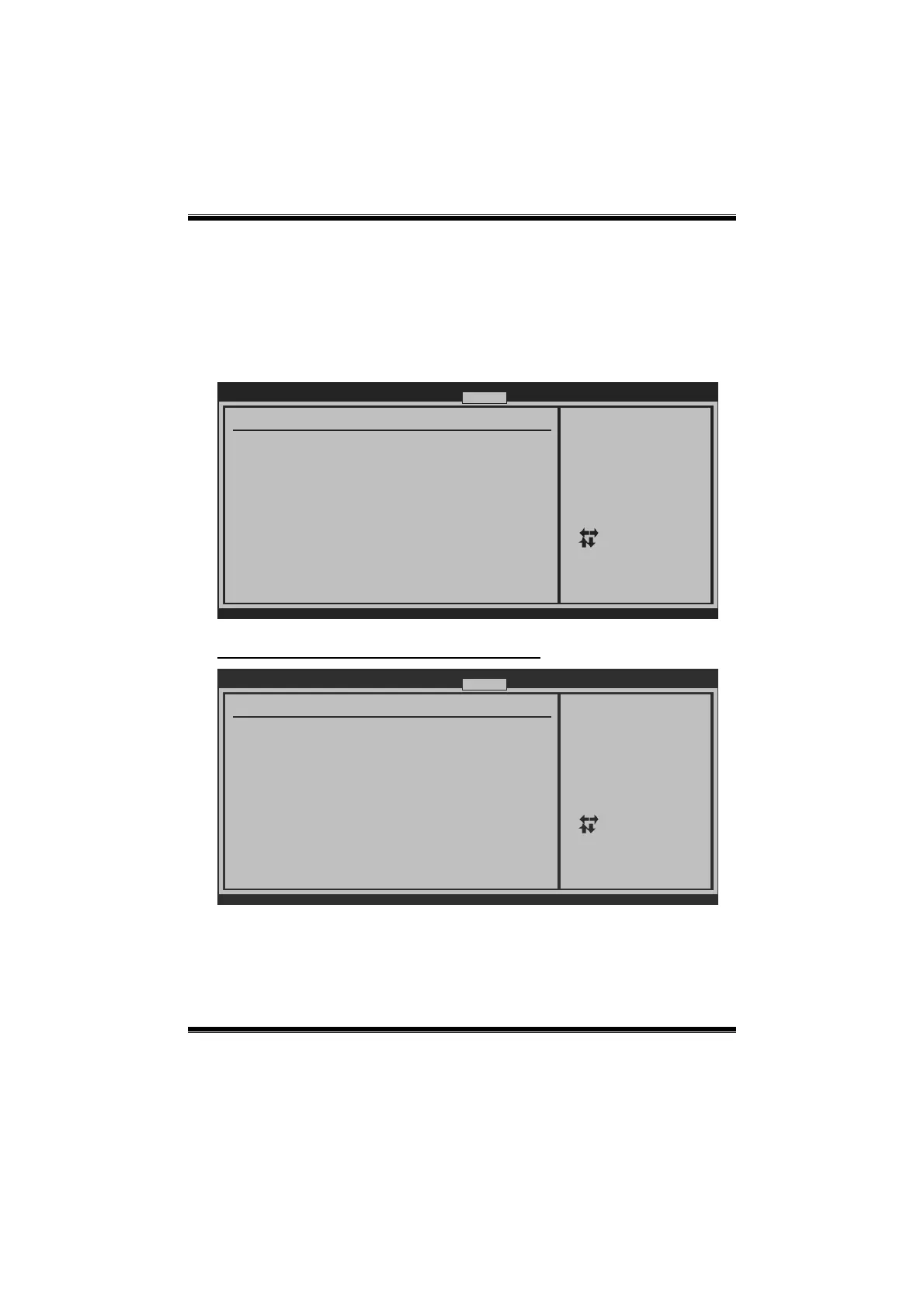
BIOS SETUP UTILITY
Main Advanced
PCIPnP Boot
Chipset Performance
vxx.xx (C)Copyright 1985-200x, American Megatrends, Inc.
Select Screen
Select Item
Go to Sub Screen
General Help
Save and Exit
Exit
Enter
F1
F10
ESC
Options for VIA VX900Advanced Chipset Settings
WARNING: Setting wrong values in below secitons
may cause system to malfunction.
> SouthBridge Configuration
> OnBoard Peripherals Configuration
> NouthBridge VIA VX900 Configuration
VIA VX900
Exit
NorthBridge VIA VX900 Configuration
BIOS SETUP UTILITY
Chipset
vxx.xx (C)Copyright 1985-200x, American Megatrends, Inc.
Select Screen
Select Item
Change Option
General Help
Save and Exit
Exit
+-
F1
F10
ESC
NorthBridge VIA VX900 Configuration
> OnChip VGA Configuration
> AGP & P2P Bridge Configuration
Options for AGP






 To Next Page