Viotech 3200+ BIOS Manual
4
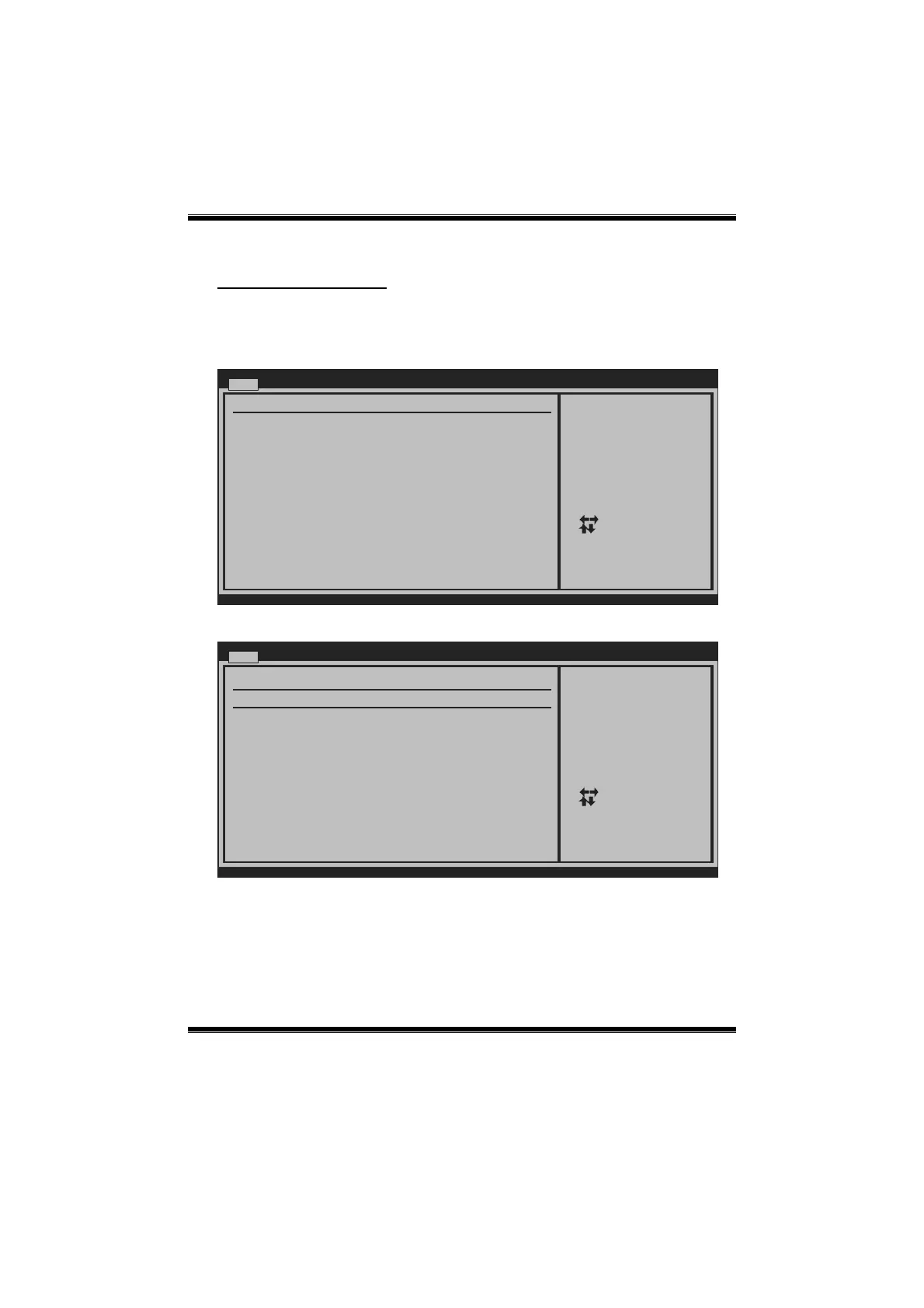
SATA Configuration
The BIOS will automatically detect the presence of SATA devices. There is a
sub-menu for each SATA device. Select a device and press <Enter> to enter the
sub-menu of detailed options.
BIOS SETUP UTILITY
Main
vxx.xx (C)Copyright 1985-200x, American Megatrends, Inc.
Select Screen
Select Item
Go to Sub Screen
General Help
Save and Exit
Exit
Enter
F1
F10
ESC
SATA Configuration
Serial ATA IDE devices
> SATA 2
> SATA 1
While entering setup,
BIOS auto detects the
presence of SATA
devices. This displays
the status of auto
detection of SATA
devices.
SATA 1/2
BIOS SETUP UTILITY
Main
vxx.xx (C)Copyright 1985-200x, American Megatrends, Inc.
Select Screen
Select Item
Change Option
General Help
Save and Exit
Exit
+-
F1
F10
ESC
Select the type
of device connected
to the system.
SATA 1
LBA/Large Mode [Auto]
Block (Multi-Sector Transfer)[Auto]
PIO Mode [Auto]
DMA Mode [Auto]
S.M.A.R.T [Auto]
32Bit Data Transfer [Enabled]
Device :
Type [Auto]
The BIOS detects the information and values of respec tive devices, and these
information and values are sho wn b elow to the name o f the sub-menu.






 To Next Page