31
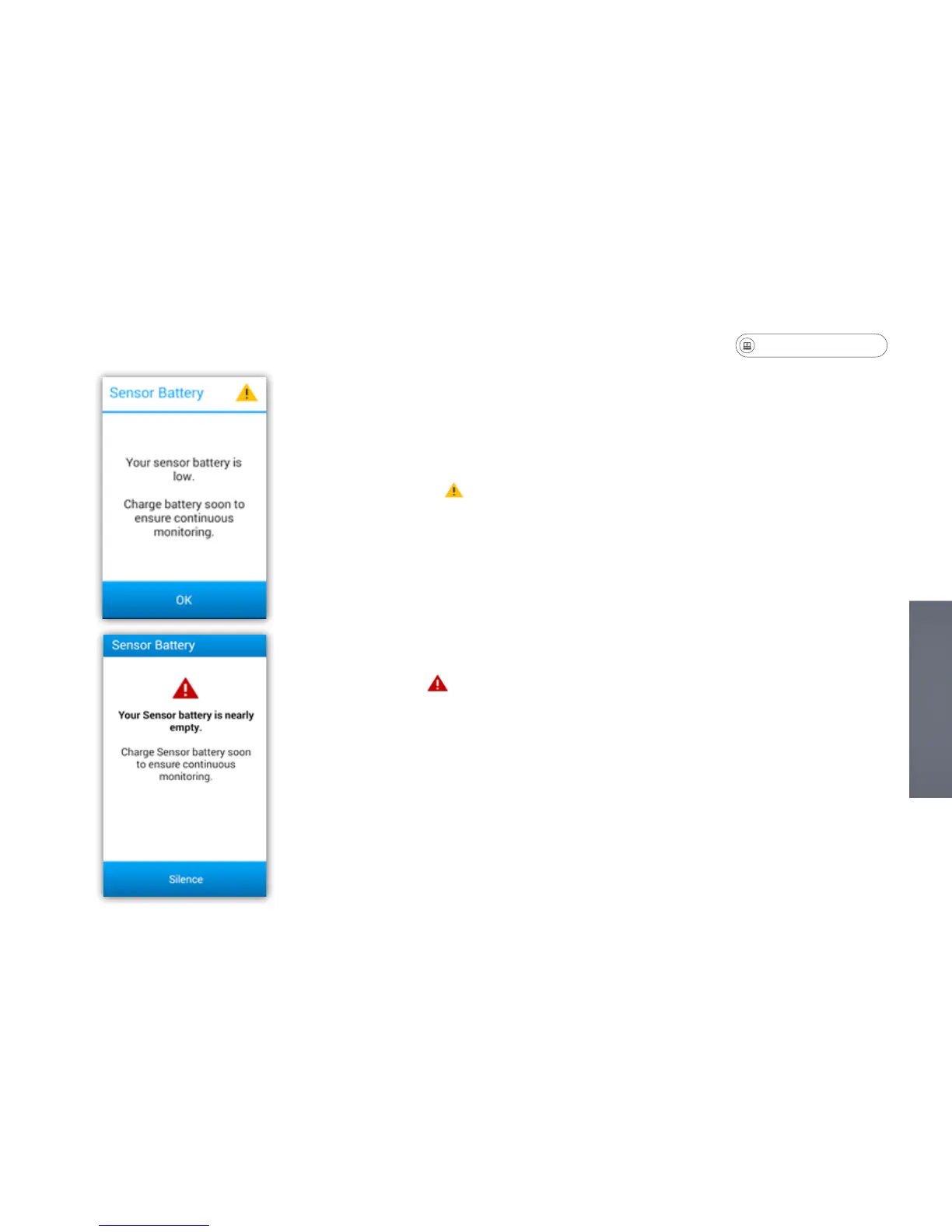
Sensor - Low Battery Messages
There are two different messages that will display when it is time to charge the
sensor.
• A Battery Warning symbol indicates that the sensor battery life is low.
• If you receive this warning message, follow the instructions for removing the
patch and charge the sensor.
• The message can be dismissed by pressing the OK button, however the
message will appear again.
A Battery Alarm symbol indicates that the sensor battery life is critically low.
• If you receive this alarm, the sensor must be removed from the patch to be
charged.
• The battery alarm message can be silenced by pressing Silence, but the
message will remain on the screen until the sensor battery is charged.


 To Next Page