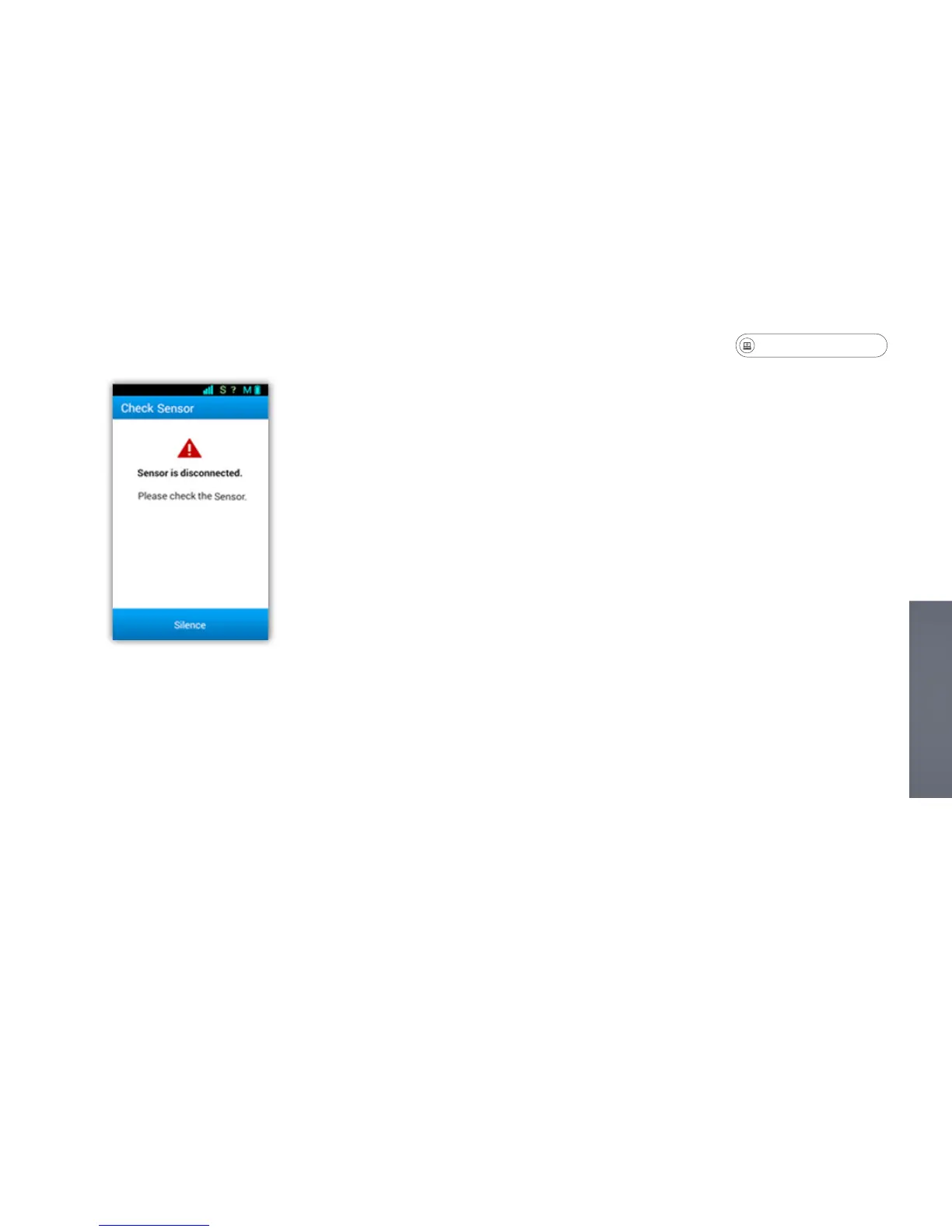
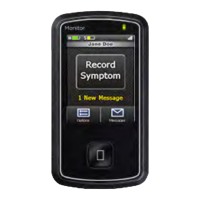
Check Sensor
This warning indicates that the patch is not rmly adhered to your skin. The
following are possible reasons for the alarm:
• If it has been more than ve days, the patch may be loose and require replacing.
• If the sensor has been removed in order to be charged, the monitor should be
turned off as well.
If the above scenarios do not apply, follow the next steps to resolve the issue:
• Press rmly on all of the edges and center of the patch to ensure proper
adhesion.
• Wait 5 minutes to see if the issue is resolved. If the error message persists,
contact Customer Service for assistance.
Troubleshooting


 To Next Page