50
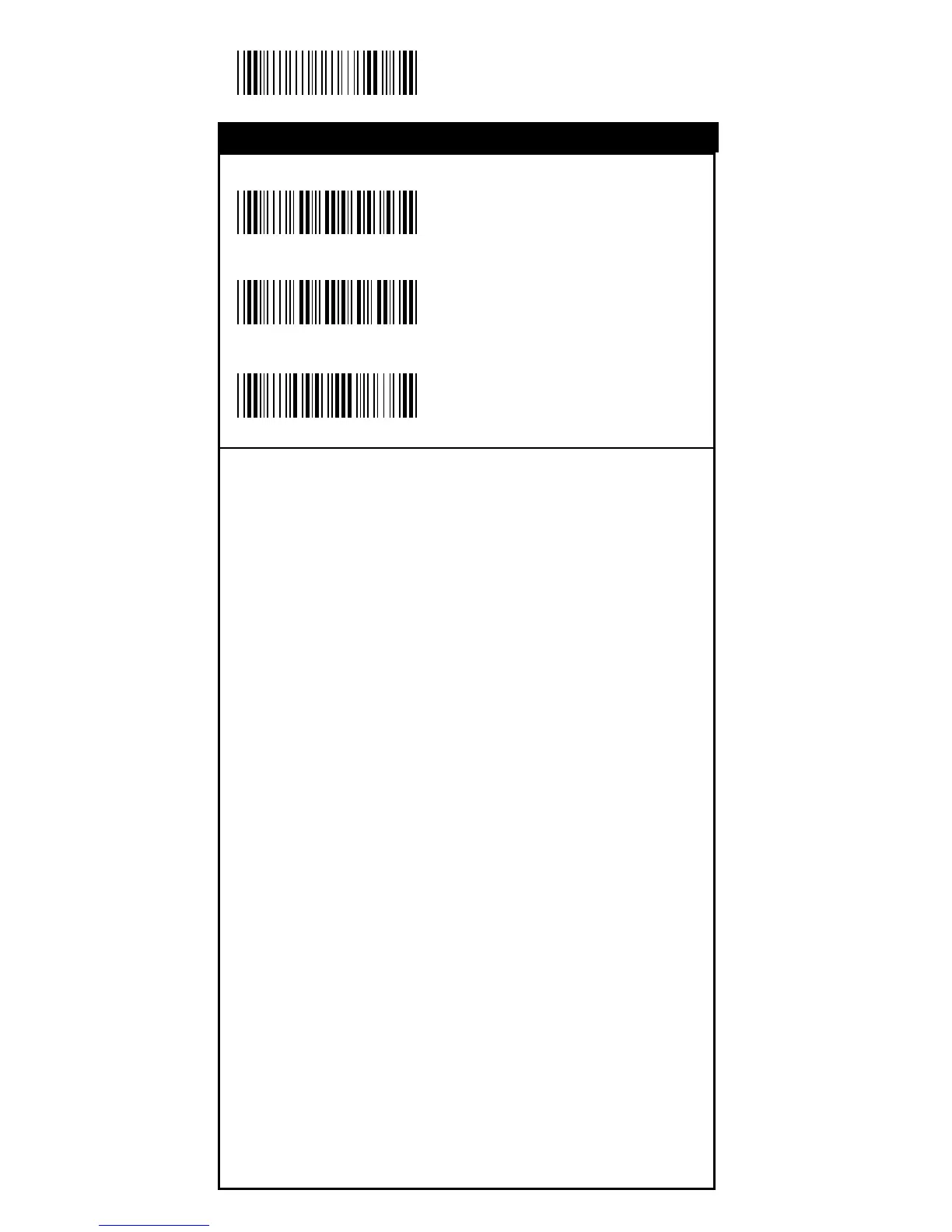
Start Configuration
ON
<OFF>
Default
With this function ON, a leading character will be added to
the output string while scanning code, user may refer to the
following table to know what kind of bar code is being
scanned.
Please refer to the table below for matching code ID of codes
read in.
Code Type ID Code Type ID
UPC-A A UPC-E B
EAN-8 C EAN-13 D
CODE 39 E CODE 128 F
Interleave 25 G Industrial 25 H
Matrix 25 I Codabar/NW7 J
CODE 93 K CODE 11 L
China Postage M MSI/PLESSEY N
BC412 O
1st Track X 2nd Track Y
3rd Track Z
User Define Code ID
To set the code ID:
1. Scan the symboligies label.
2. Go to the ASCII Tables in Appendix B, scan label that
represents the desired code ID.
Note:Note:
Note:Note:
Note:
User define code ID will override default value.User define code ID will override default value.
User define code ID will override default value.User define code ID will override default value.
User define code ID will override default value.
Program will not check the conflict. It is possible to haveProgram will not check the conflict. It is possible to have
Program will not check the conflict. It is possible to haveProgram will not check the conflict. It is possible to have
Program will not check the conflict. It is possible to have
more than two symboligies which have same code ID.more than two symboligies which have same code ID.
more than two symboligies which have same code ID.more than two symboligies which have same code ID.
more than two symboligies which have same code ID.
%0 0 H 1
%0 0 H 0
%913+
Bar Code ID
Operation



 To Next Page