8
Factory Default Settings
The factory default settings are shown with < > and bold in
the following sections. You can make your own settings by
following the procedures in this manual. If you want to save
the settings permanently, you should scan the label of "Save
Parameters" on page 9, otherwise the settings will not be
saved after the decoder power is off, and all settings will go
back to previous settings.
By scanning "Set All Default" label, the settings will go back
to the factory default settings.
Download/Upload Settings
This decoder offers an easy way to config all parameters
from RS232 or PC keyboard interface. Just one click to
download or upload confiuration data instead of scanning
bar codes in this menu.
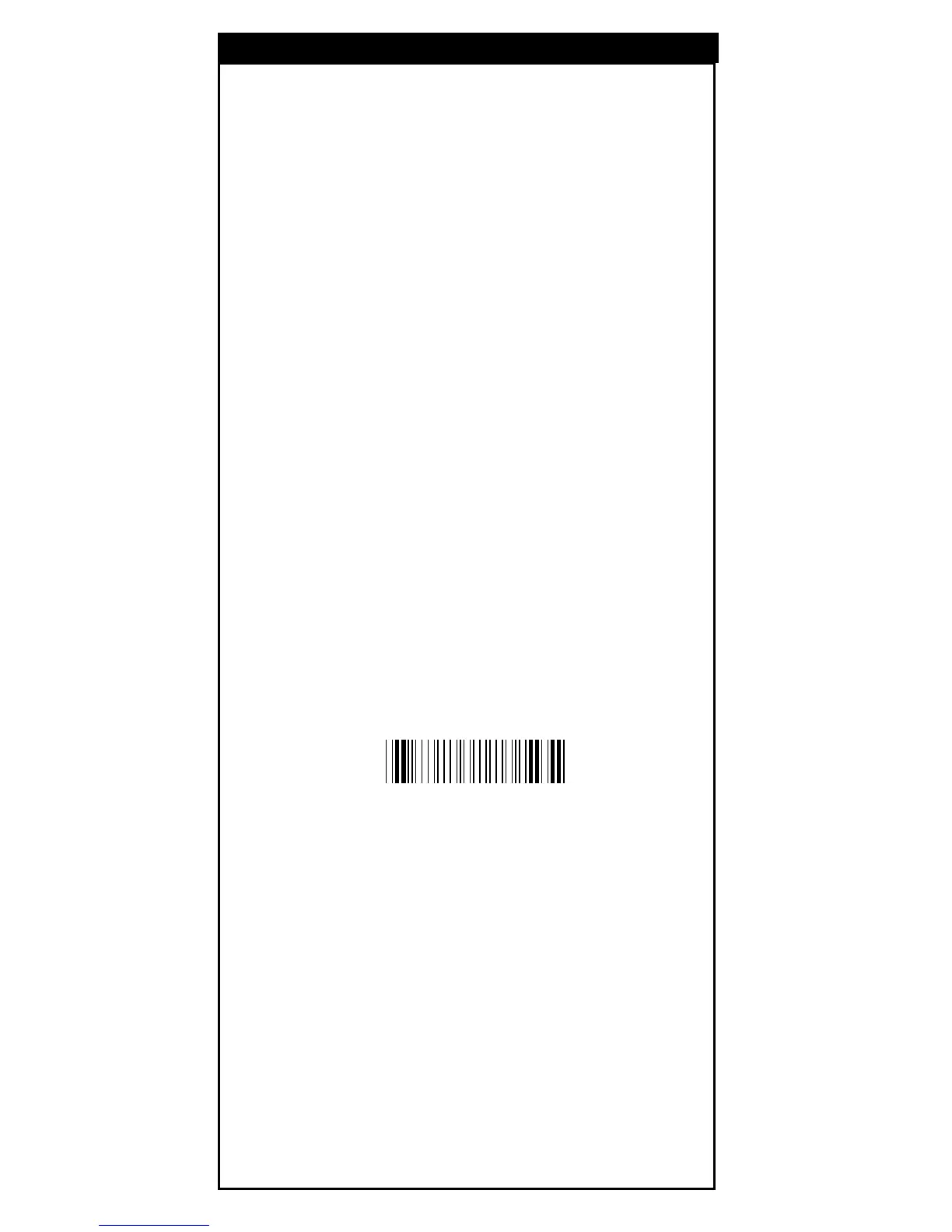
Scan the Download/Upload bar code below to proceed
downloading or uploading.
Download/Upload
Method of Programming
%$ + / 7



 To Next Page