PTZ
Control
You are able to save and recall presets from the Web Dashboard using the Select Preset option. To operate this, simply press the
Preset number you wish to recall or save followed by APPLY PRESET or SAVE PRESET
Settings
The PF120 communicates with the camera head via a serial interface, these settings should remain as per default:
VISCA ADDRESS: 1
VISCA BAUDRATE: 115200
Zoom Max Speed
When controlling the PF120 over NDI you can limit the maximum speed of Zoom movement by affecting this option, the higher
the number (18) the faster and more sensitive the movements will be on the PF120.
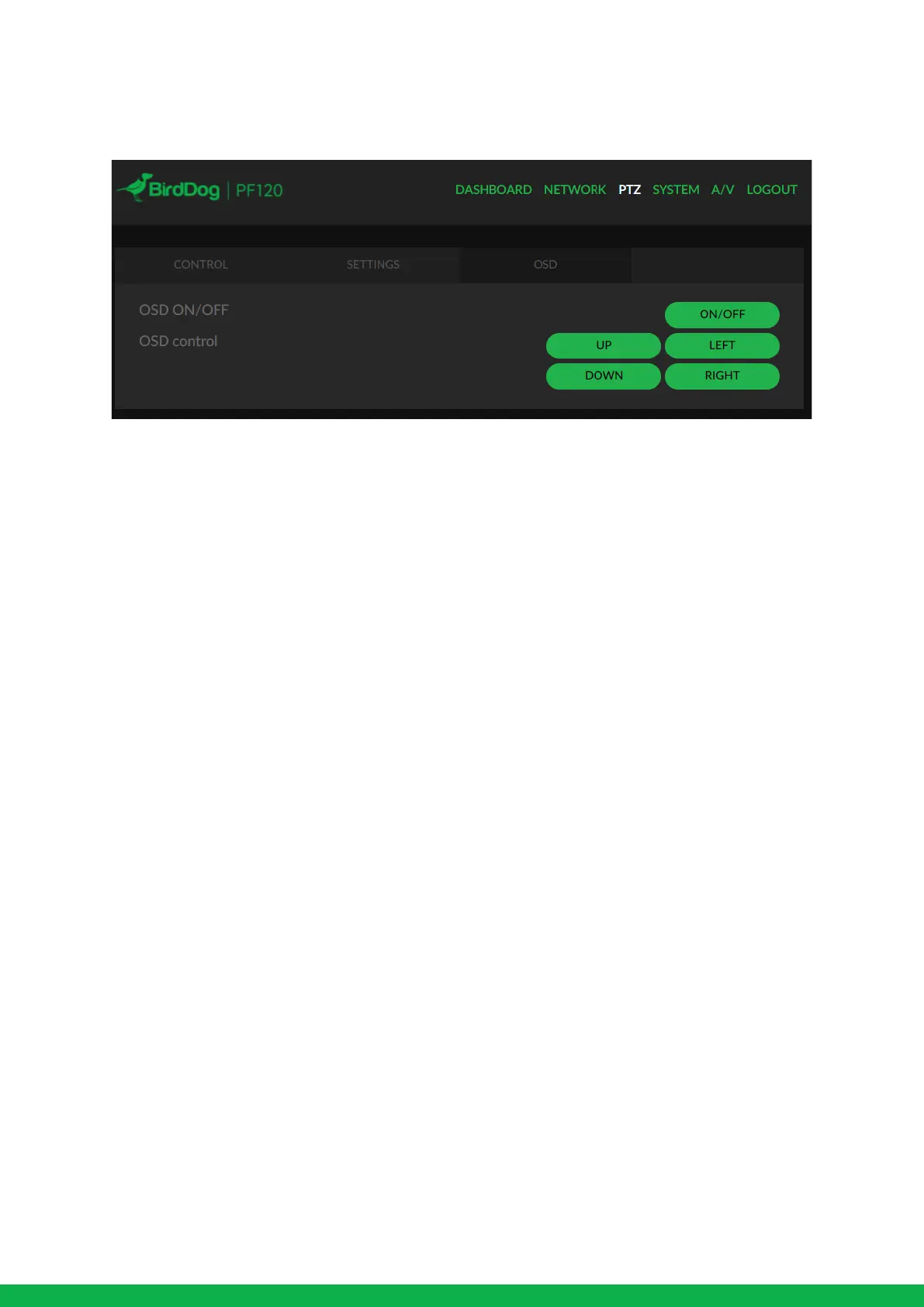
OSD
To adjust all cameras settings please press the OSD ON/OFF button to illuminate the OSD.
The OSD is visible on both the NDI output and HDMI and can equally be accessed via the included remote control.
Please take note that the Zoom will not operate normally (control of movement) until the OSD menu is closed again.


 To Next Page