10
Loading the Product and Use
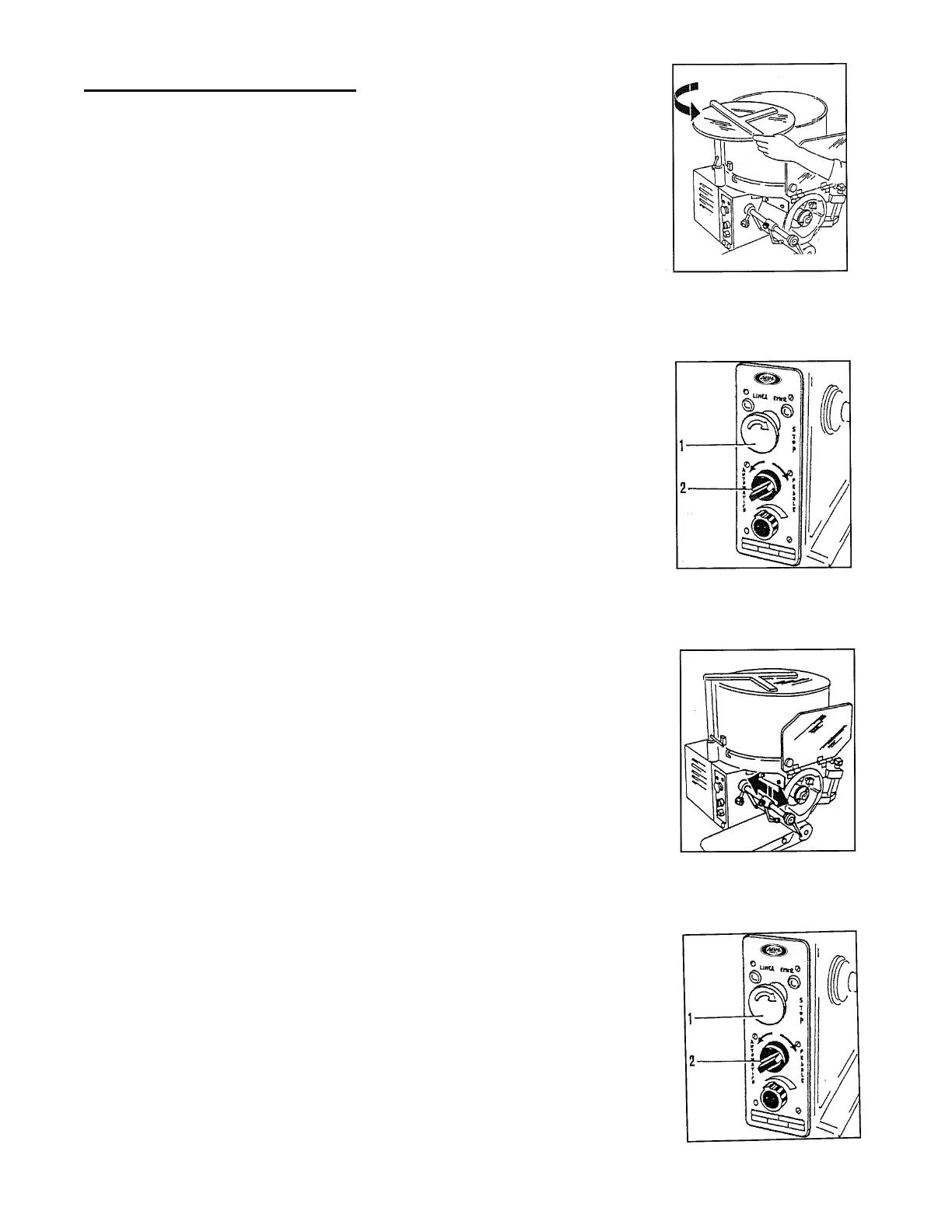
• Open the cover and load the product in the hopper
and close the cover again.
• Connect the plug to the socket.
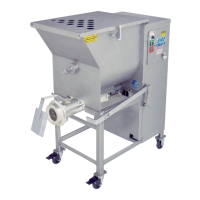
• Start the machine: push the automatic switch (1).
• Regulate the production speed with the regulation handle (2)
(only for model with selector).
• During the operation, operate intermittently, in order
to clean the drum from residual product.
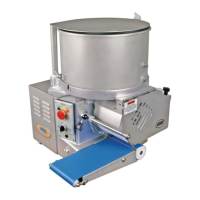
• The product will come down on the conveyor belt and
will be moved to its end.
• To stop the machine, operate on the stop button (I) or
open the protections.
• To continue, release the stop button and turn the start
switch again (2).


 To Next Page