8
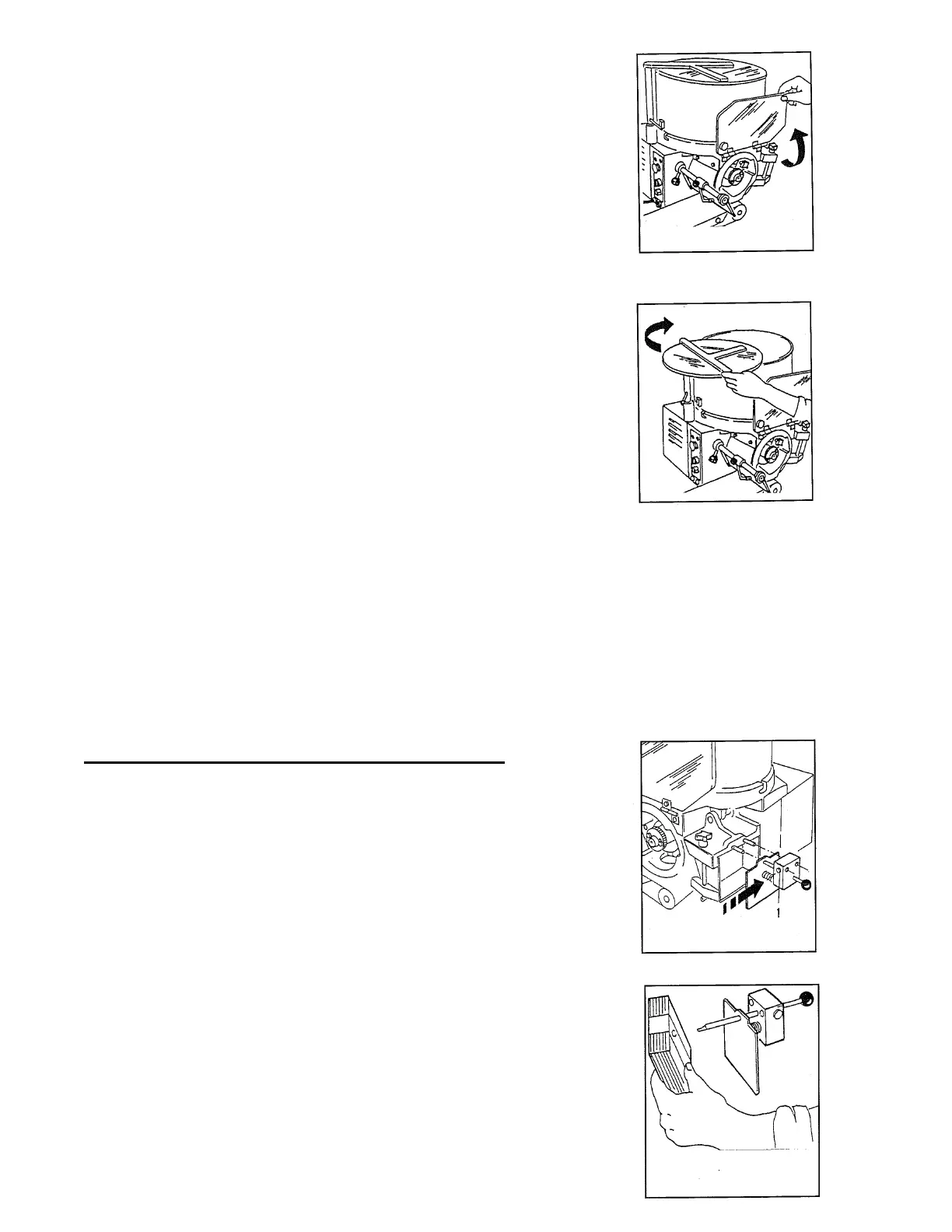
• During the operation, when lifting the front
drum protection, the machine must stop.
• To continue, close drum protection,
turn the operating switch again.
• During the operation, when rotating the
hopper cover, the machine must stop.
• To continue, close hopper cover,
turn the operating switch again.
UTILITY
To obtain good results you must use fitted meats and doughs. Arrange the machine with
all the accessories disassembled.
It is advisable not to use and let the machine function without any product in the
hopper.
Loading the Automatic Papering Attachment
• Take out the papering attachment by pushing
the button (I) and slipping it off from the guide pins.
• Replace the pushing spring.
• Insert the paper block and take away the wrapper.


 To Next Page