EasyManua.ls Logo

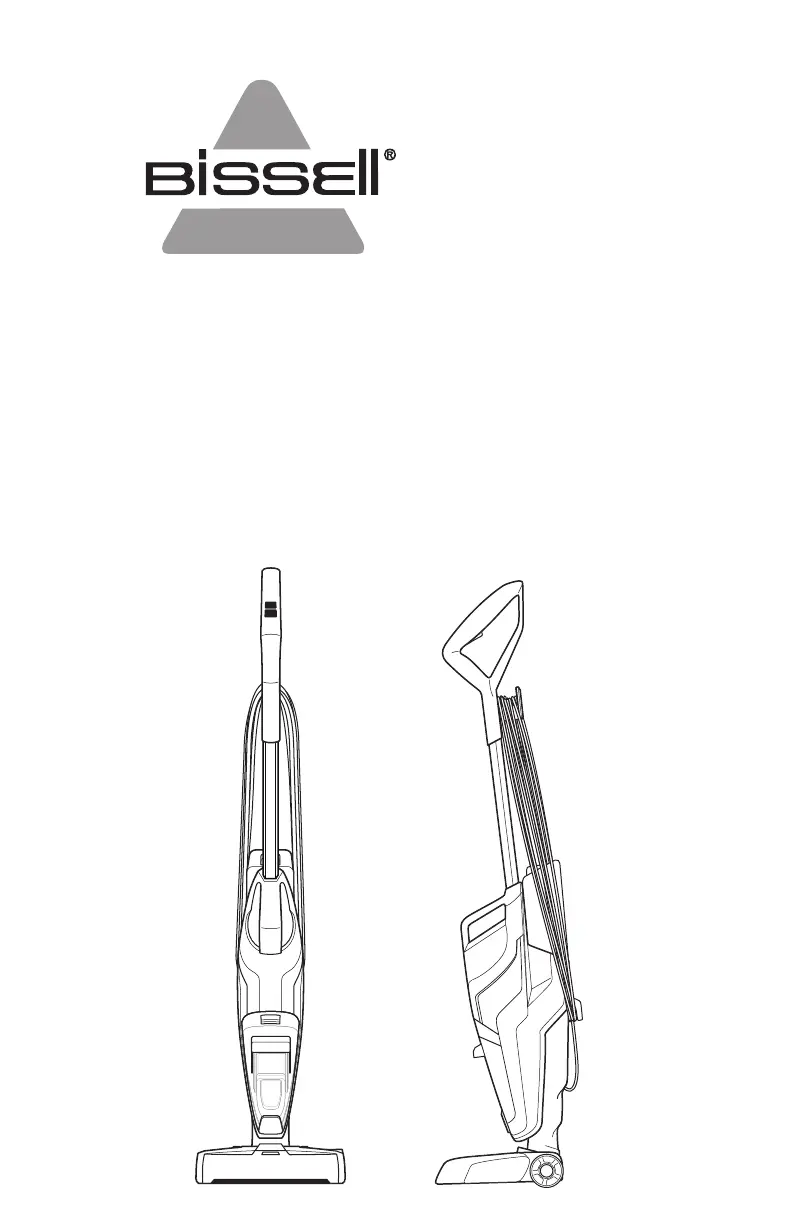
Bissell CROSSWAVE PET - User Manual

Bissell CROSSWAVE PET
32 pages
Print Icon
To Next Page IconTo Next Page
Loading...
CROSSWAVE
®
PET
_______________
USER GUIDE
2328, 2306 SERIES

Other manuals for Bissell CROSSWAVE PET

Questions and Answers

  • A
    Alan BarnesJul 28, 2025
    Why does my Bissell CROSSWAVE PET have loss of suction power?
    • J
      Jose AlexanderJul 29, 2025
      A loss of suction power in your Bissell Vacuum Cleaner can occur for several reasons. The tanks may not be seated properly, so ensure that you turn the power OFF, remove both tanks, and reseat them correctly. Also, the dirty water tank might be full; empty it and make sure to make slow cleaning passes back and forth while cleaning. Check if the brush window is not latched in place, turn the power OFF, unplug the machine, and reinstall the brush window. Additionally, the debris channel in the foot could be clogged, so clean it with a paper towel. Lastly, the filter might be clogged by debris; remove any debris clogging the filter screen and clean the filter.
  • M
    marisa71Aug 4, 2025
    What to do if my Bissell CROSSWAVE PET has reduced spray or no spray?
    • N
      nicolehamptonAug 4, 2025
      If your Bissell Vacuum Cleaner has reduced or no spray, several factors could be the cause. First, the clean water tank may be empty, so refill it. Second, the clean water tank may not be seated completely; turn the power OFF, remove, and reseat the tank. Third, the system might not be fully primed; hold the trigger for 10 to 15 seconds. Fourth, the brush window may not be latched in place; turn the power OFF, unplug the machine, and reinstall the brush window. Fifth, ensure you are holding the trigger continuously while using the machine to spray the solution. Lastly, the spray tips on the foot could be clogged; use a pin to clean the spray tips located under the brush window.
  • R
    Ross TuckerAug 9, 2025
    Why isn't the brush roll turning on my Bissell CROSSWAVE PET Vacuum Cleaner?
    • T
      Traci CraneAug 9, 2025
      If the brush roll on your Bissell Vacuum Cleaner isn’t turning, it could be due to a few reasons. The brush roll might not be installed properly; turn the power OFF, unplug the machine, and follow the instructions on page 10 for replacing the brush roll. The machine might be standing upright; recline the machine to turn the brush roll on. An obstruction may have caused the brush roll to stop; turn the power OFF, unplug the machine, and remove the brush roll and window to clean any hair and string off of the brush ends.
  • E
    Erin LamAug 15, 2025
    What to do if my Bissell CROSSWAVE PET machine is leaking?
    • J
      Jerry LynchAug 15, 2025
      If your Bissell Vacuum Cleaner is leaking, it might be because the cap of the clean water tank is not closed properly. Remove the clean water tank and reapply the cap.
  • H
    hillbrendanAug 21, 2025
    How to fix streaking from Bissell CROSSWAVE PET?
    • A
      Angel BlankenshipAug 21, 2025
      If your Bissell Vacuum Cleaner is leaving streaks, it could be due to too much water being applied; try going over the area without spraying down water. It may also be caused by previous floor care products used. Contact the product manufacturer regarding how to remove them.

Summary

Important Safety Instructions

General Safety Warnings

Covers essential safety precautions to prevent injury and hazards during operation.

Grounding Instructions

Details the electrical grounding requirements for safe operation.

Whats In The Box

Included Accessories and Formula

Lists all the items included with the BISSELL CrossWave Pet.

Getting to Know Your CrossWave Pet

Product Component Identification

Diagrams and labels identifying the main parts of the machine.

Assembly

Step-by-Step Assembly Guide

Provides instructions on how to assemble the CrossWave Pet machine.

Cleaning Formulas

BISSELL CrossWave Cleaning Formulas

Details the available cleaning formulas and their recommended uses.

Filling Your Clean Water Tank

Clean Water Tank Filling Instructions

Guides on filling the clean water tank with water and cleaning solution.

Cleaning Your Hard Floors

Hard Floor Cleaning Procedure

Instructions for operating the machine to clean hard floor surfaces.

Hard Floor Cleaning Tips

Offers advice for specific hard floor cleaning scenarios and challenges.

Cleaning Area Rugs

Area Rug Cleaning Procedure

Steps for cleaning area rugs, including mode selection.

Area Rug Cleaning Precautions

Important cautions regarding cleaning area rugs and carpet types.

Rinse and Storage Tray

Rinse and Storage Tray Usage

Instructions for using the rinse and storage tray for the brush roll.

Machine Storage

Proper Machine Storage Guidelines

Advice on storing the machine safely and effectively.

Dirty Water Tank

Dirty Water Tank Maintenance

Steps for removing, emptying, cleaning, and reassembling the dirty water tank.

Brush Roll and Chamber

Brush Roll and Chamber Cleaning

Instructions for removing and cleaning the brush roll and its chamber.

Troubleshooting

Common Issues and Solutions

Identifies common operational problems and provides remedies.

Warranty

Product Warranty Information

Details the terms, conditions, and duration of the product warranty.

Service

How to Obtain Service and Support

Guidance on contacting customer service for repairs or inquiries.

Register Your Product

Benefits of Product Registration

Explains the advantages and benefits of registering your BISSELL product.

Bissell CROSSWAVE PET Specifications

General IconGeneral
Cord Length25 feet
Weight11.5 lbs
Cord TypeCorded
Multi-Surface CleaningYes
Brush Roll Clean TechnologyYes
Power SourceCorded Electric
Voltage120 V
TypeWet/Dry Vacuum Cleaner
Cleaning Path Width10.5 inches
Surface TypeArea Rugs
SpecialtyPet Hair
Included AccessoriesMulti-Surface Brush Roll

Related product manuals