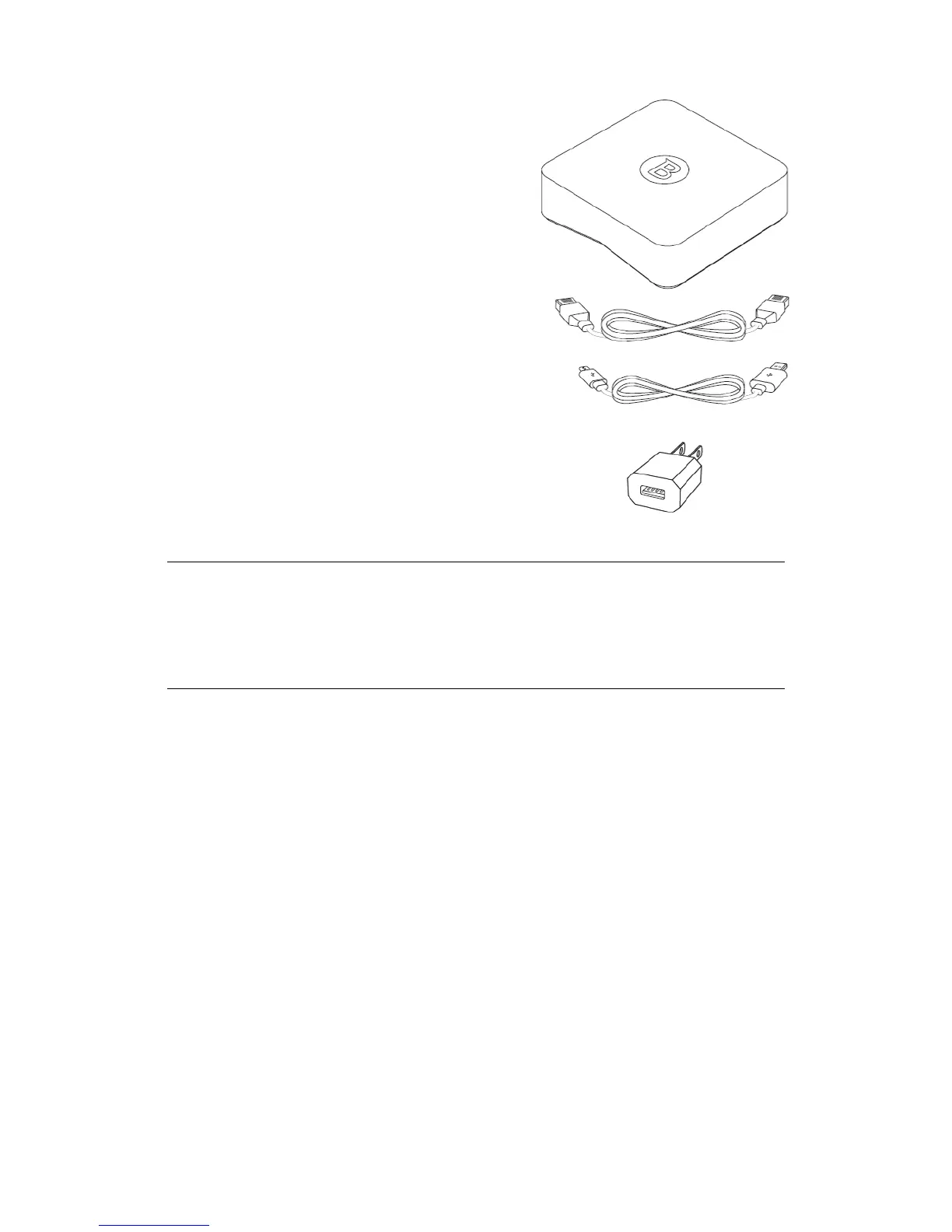
• The Bitdefender BOX.
• A micro USB cable – for connecting BOX to a
computer or to an AC power outlet
(alternatively any micro USB cable may be
used).
• An Ethernet cable - for connecting BOX to a
free LAN port on your router.
• A USB AC power adapter - for connecting BOX
to the mains.
• A Quick Start guide – for helping you get
started with the setup.
• A warranty card.
NOTE
If something is missing when opening the package, contact your Bitdefender
dealer. Keep the package components intact to help us quickly asses the
situation.
1.2. Overview of Bitdefender BOX
Bitdefender BOX has three connectivity ports on the rear:
1. Micro USB – for connecting the BOX to the AC power adapter or to a free USB port
on your router, if available.
2. LAN (Local Area Network) – for connecting BOX to a router.
3. WAN (Wide Area Network) – for connecting BOX to your Internet Service Provider's
Ethernet cable, or for connecting a DSL or cable modem.
Next to the connection ports, the Reset button helps reboot BOX or activate the
Recovery function.
If you want to simply reboot BOX, just press the Reset button once. To activate the
Recovery function, follow the steps from the section “Recovery function” (p. 29).
2The Basics



 To Next Page