Front Panel Operation
At power-on, the power supply will automatically enter the front-panel operation mode and the instrument
can be controlled via the front panel keys and knob.
5.1 Keys
5.1.1 Function Keys
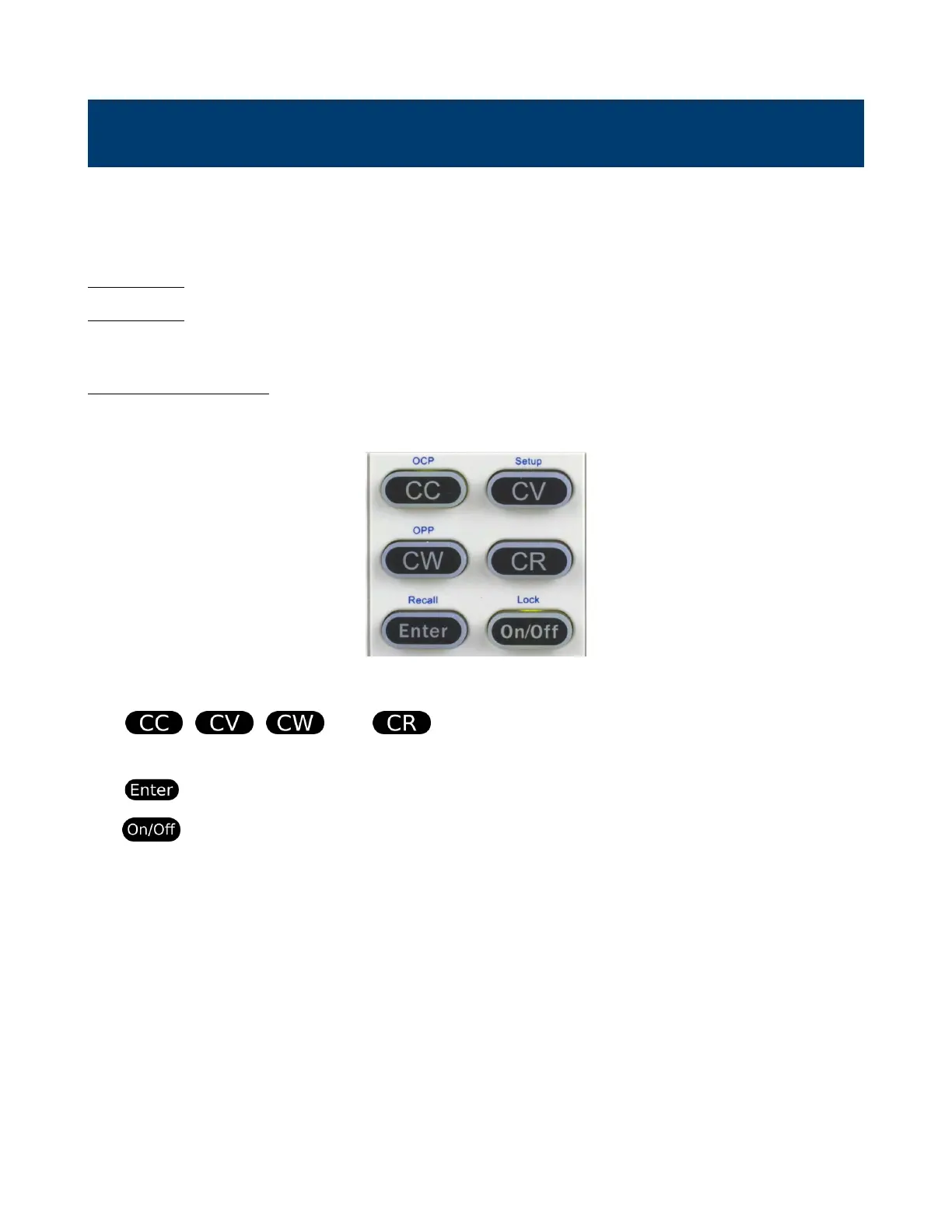
The 8500B series is equipped with six function keys.
Figure 5.1 Function Keys
The , , , and buttons change the operation mode of the load to the
corresponding mode. For more information on each operation mode refer to Chapter 6.
The is used to select parameters or conrm input values of the selected parameter.
The button toggles the input On/O. When input is enabled, the ON button will turn yellow and
the load will commence the loading function.



 To Next Page