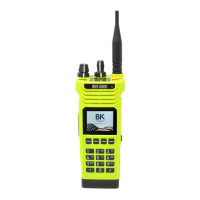
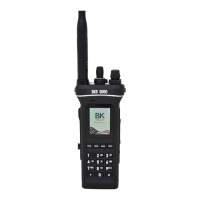
BKR5000 Portable Radio User’s Manual
- 27 -
Priority Channel Select [PRI]
Conventional Channels
Depending on programming, priority channels can be radio-wide
(System) or zone specic (Zone). Radio-wide priority channels are
monitored regardless of the current operating zone. (See Priority Scan
for more details.)
If enabled the user can use the keypad to change the priority channels.
Priority Channel Select can be assigned to a switch or as a button or
menu list item.
Selecting a System Priority Channel
Open the Priority Channel Select submenu using the assigned control.
Highlight a System Priority Channel type from the list and press
"ENTER". The System Priority Channel submenu will appear.
Options:
O - Disables the priority channel.
Use Main - Uses the selected channel as the priority channel.
Select - Assigns a specic channel as the priority channel.
To assign a specic channel as a System Priority Channel, highlight
“Select” and press the “ENTER” button.
The Zone selection menu will be displayed.
Highlight the zone of the desired priority channel and press the
“ENTER” button.
The Channel selection menu will then be displayed.
Highlight the desired channel and press the “ENTER” button to set the
priority channel.
The display will return to the main Priority Channel Select menu.
Selecting a Zone Priority Channel
Open the Priority Channel Select submenu using the assigned control.
Highlight a Zone Priority Channel type from the list and press "ENTER".
The Zone Priority Channel submenu will appear.
Options:
O - Disables the priority channel.
Use Main - Uses the selected channel as the priority channel.
Select - Assigns a specic channel as the priority channel.
To assign a specic channel as a Zone Priority Channel, highlight
“Select” and press the “ENTER” button.
The Channel selection menu will be displayed.


 To Next Page