G.SHDSL NTU
3
1. Power up the NTU
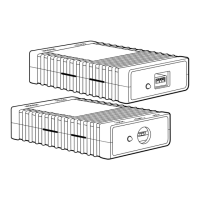
Your NTU comes with an external AC adaptor with detachable power cord.
1.1 AC power-up
1. Connect female plug of the AC power cord to the AC adaptor provided.
2. Connect the barrel-type connector of the AC adaptor to the barrel-type
power jack on the LB510A.
3. Insert the male plug of the AC power cord into an AC power outlet (100–
240 VAC)
.
1.2 Power-up indication
The
Power
and
100M Ethernet
LEDs are lit while the LB510A is powering up.
The interconnecting cables shall be acceptable for external use and shall be rated for
the proper application with respect to voltage, current, anticipated temperature, flam-
mability, and mechanical serviceability.
WARNING







 To Next Page