724-746-5500 | blackbox.com
Page 14
724-746-5500 | blackbox.com
Chapter 3: Installation and Initial Setup
3.4.1 Installing Modbus Hardened Serial Server Configuration Software
Step 1: Download the Modbus Configuration Manager Software from ftp://ftp.blackbox.com. Double-click on the executable file.
The file name is Modbus Hardened Serial Server Manager Vx.x.x.
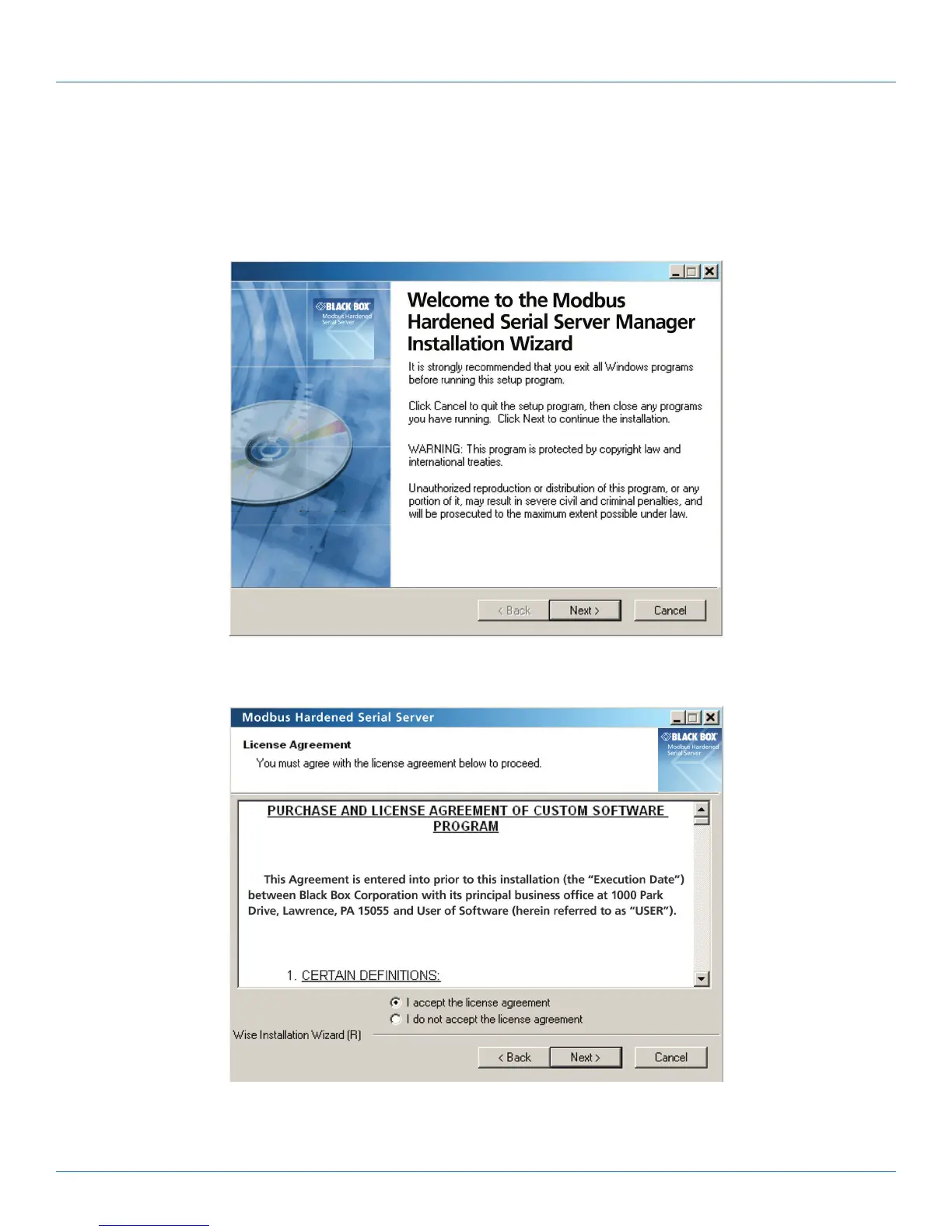
a. The following screen will be displayed on your computer.
Figure 3-3. Modbus Hardened Serial Server Manager Installation Welcome screen.
b. Click “Next.” The License Agreement Screen will be displayed on your computer.
Figure 3-4. Modbus License Acceptance Screen.











 To Next Page