724-746-5500 | blackbox.com
724-746-5500 | blackbox.com
Page 17
Chapter 3: Installation and Initial Setup
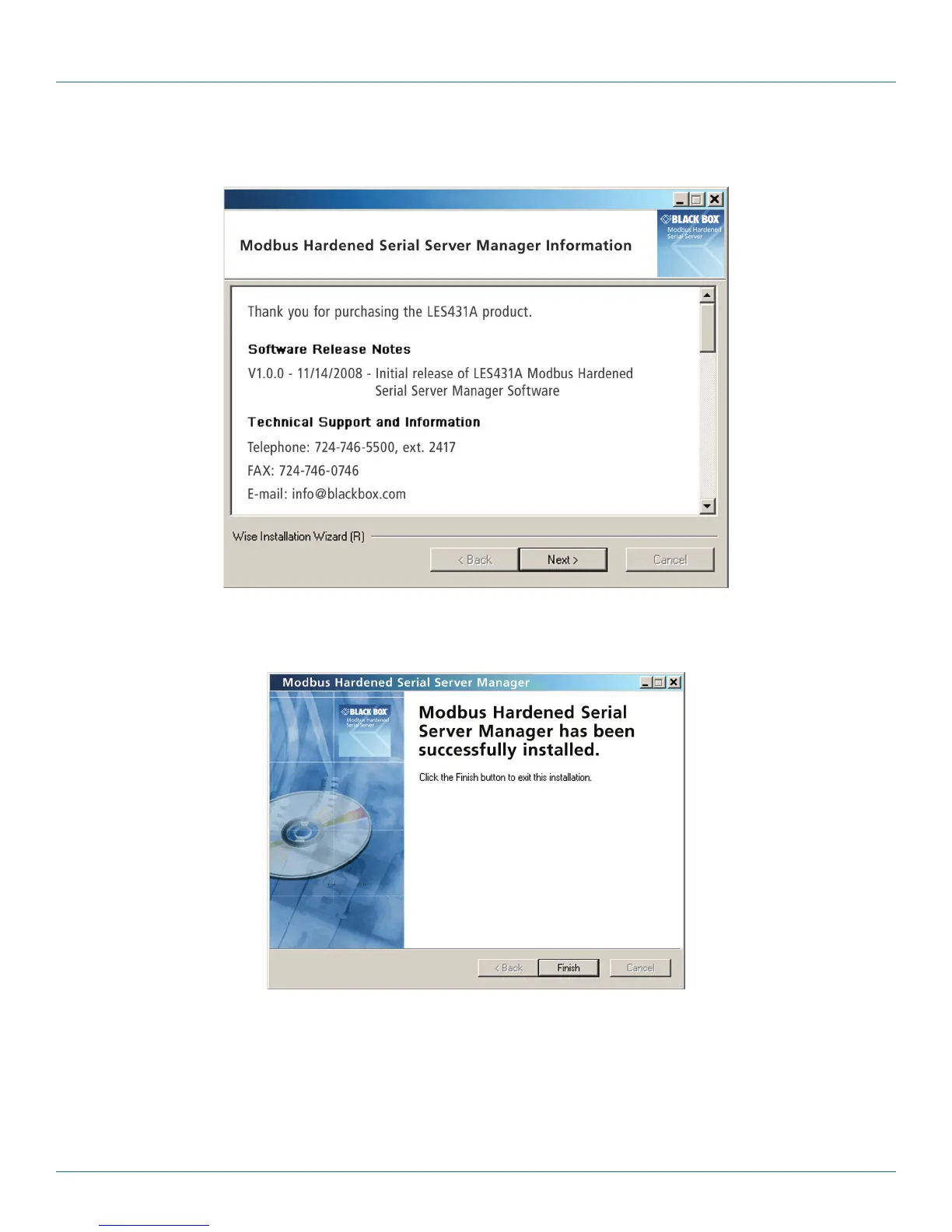
g. After the installation is complete, an information screen will be displayed containing contact information and release notes.
Click “Next.”
Figure 3-9. Information screen.
h. The Installation Complete screen will be displayed on your computer. Click “Finish” to finish the installation.
Figure 3-10. Installation Complete screen.
3.4.2 Configuring the Modbus Hardened Serial Server via the Network Connection
To configure via the network, you can use either Modbus Configuration software or the Web interface.
Configuring with Modbus Configuration Manager
LES431A Modbus Hardened Serial Servers can be configured over the network Modbus Configuration manager software running
on a PC.











 To Next Page