28
RISC ROUTER EXPANADABLE
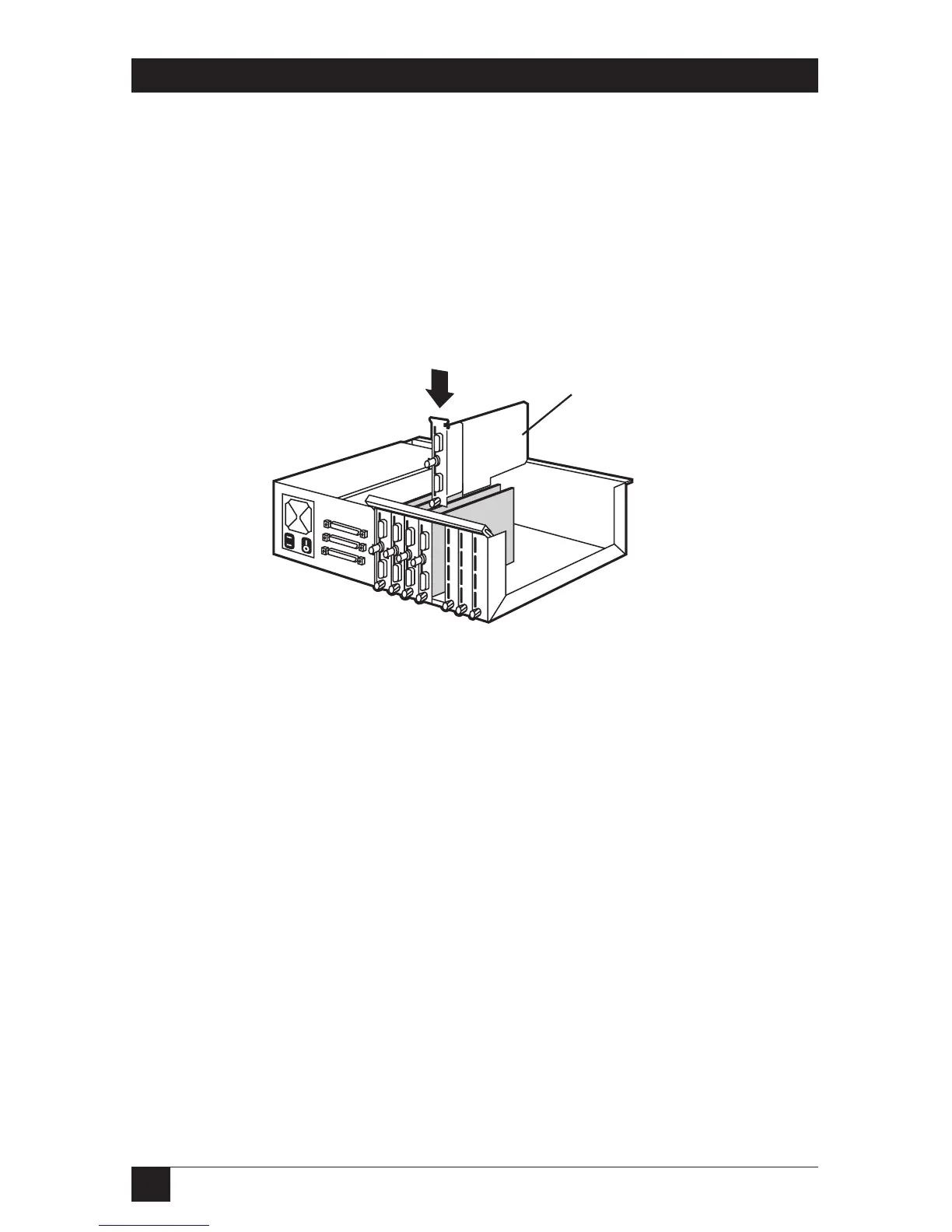
8. Install the expansion card in the next available slot on the motherboard.
Press firmly on the board until it is properly seated.
9. Tighten the thumbscrew (clockwise) on the bottom of the expansion
card.
10. Secure the card-holder bracket.
11. Slide the top cover back onto the unit and secure the four cover-mount
screws.
Figure 4-6. Installing the Expansion Card.



 To Next Page