6: Other applications
100 User Guide
Tasks
Create a task
You can create a task to track the progress of an assigned duty.
1. Open the tasks application. The Find screen appears.
2. Click the trackwheel. A menu appears.
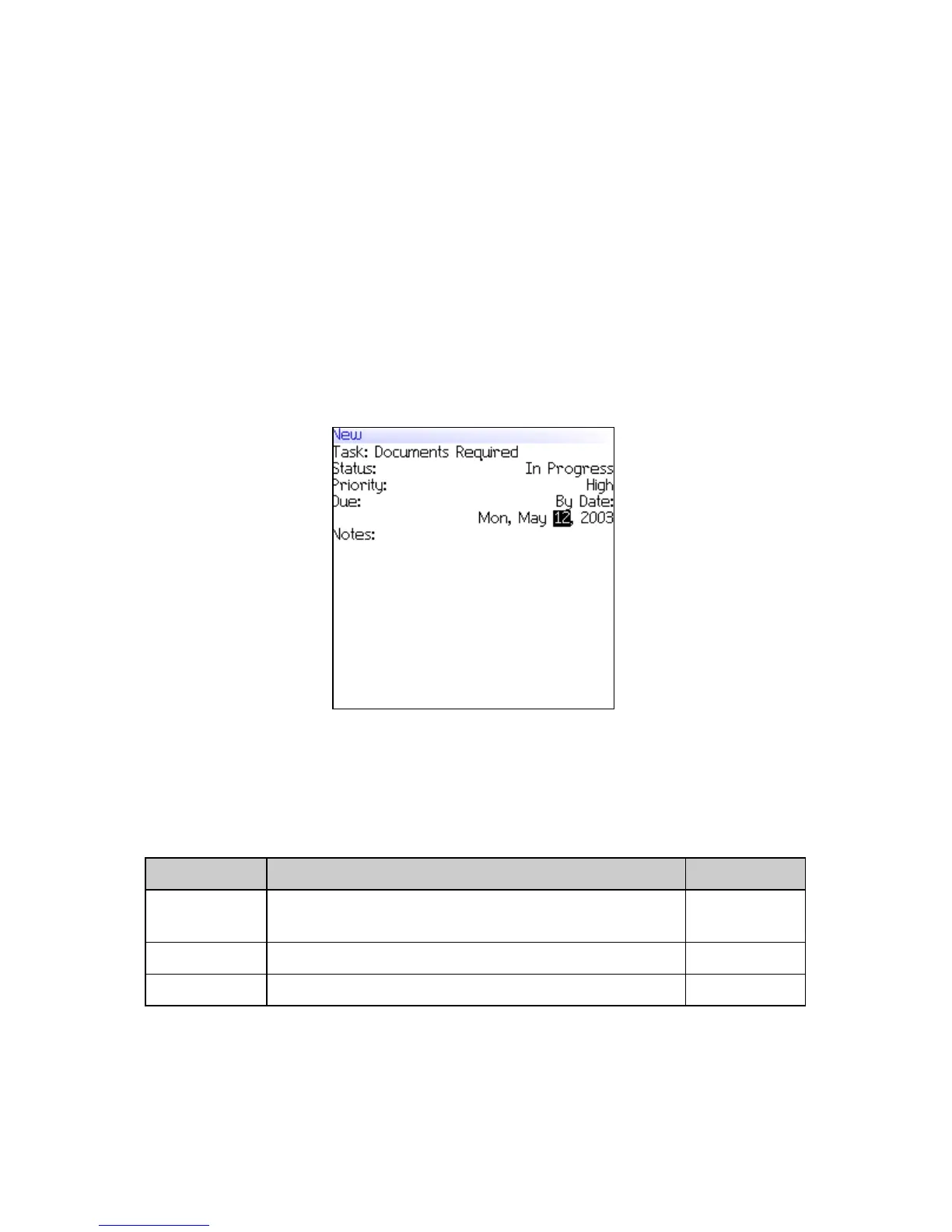
3. Click New. The New screen appears.
New screen
4. In the Task field, type the subject of the task.
5. In the following fields, press the Space key until the preferred
option appears:
6. In the Notes field, type any additional information for the task.
7. Click the trackwheel. A menu appears.
Field Description Default
Status Set the progress status of the task. Not
Started
Priority Set the priority of the task. Normal
Due Set the date by which the task is to be completed. None



 To Next Page