2: Address book
38 User Guide
Adding contacts
Create a contact
1. Open the address book application. The Find screen appears.
2. Click the trackwheel. A menu appears.
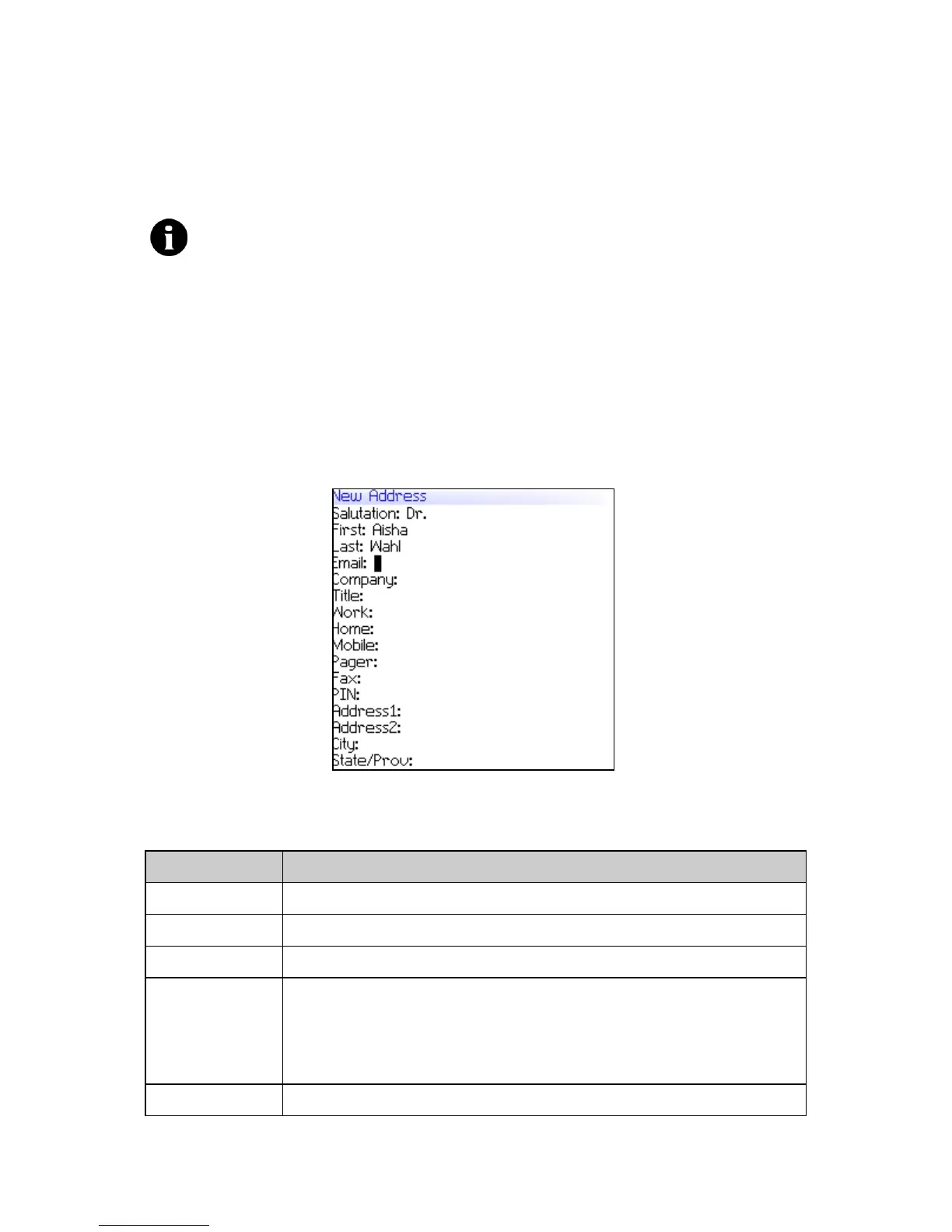
3. Click New Address. The New Address screen appears.
New Address screen
4. In one or more of the following fields, type contact information:
Note: You can import contacts from your desktop email program if your
handheld is integrated with an email account using the BlackBerry Enterprise
Server. Refer to the
Desktop Software: Backup and Restore Help
for more
information..
Field Description
Salutation Type a salutation (for example, Mr., Ms., Dr.).
First Type a first name.
Last Type a last name.
Email Type an email address. Press the Space key to insert the at sign
(@); press it again to insert a period.
! To add more than one email address for the contact, click the
trackwheel. A menu appears. Click Add Email Address.
Company Type a company name.



 To Next Page