4: Browser
78 User Guide
The new application is added to your handheld.
Using bookmarks
You can save the addresses of your favorite web pages as
bookmarks. Bookmarks appear in the browser, on the Bookmarks
screen.
Create a bookmark
1. On a web page, click the trackwheel. A menu appears.
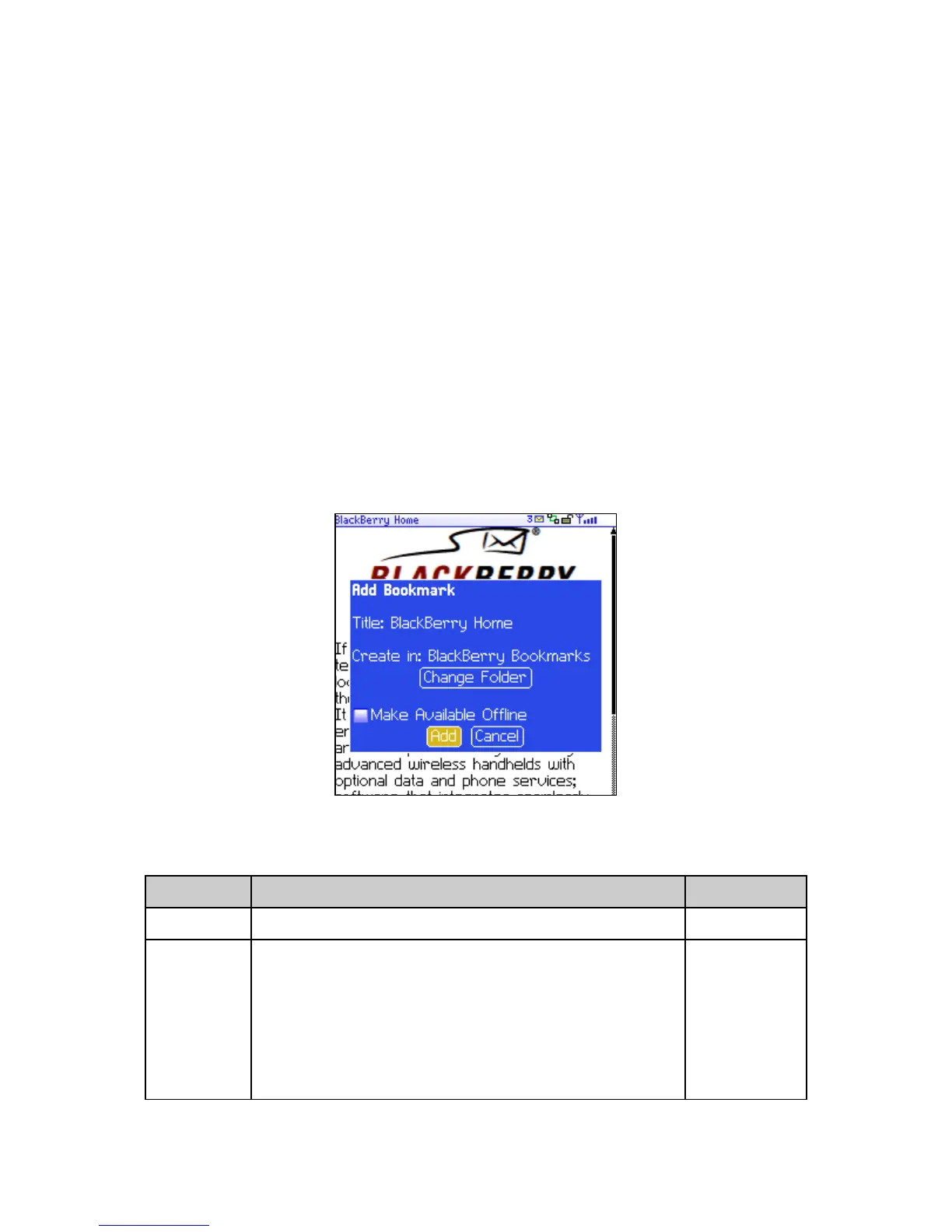
2. Click Add Bookmark. The Add Bookmark dialog box appears.
Add Bookmark dialog box
3. In the following fields, review or edit the information:
Field Description Default
Title This field displays the name of the bookmark. —
Create in Set the folder in which the bookmark is saved.
! To set a different folder, click Change Folder. The
Bookmarks screen appears. Click a folder. A menu
appears. Click Select Folder.
Refer to "Create a folder for bookmarks" on page 81
for more information.
Browser
Bookmarks



 To Next Page