Managing messages
BlackBerry Wireless Handheld 35
•
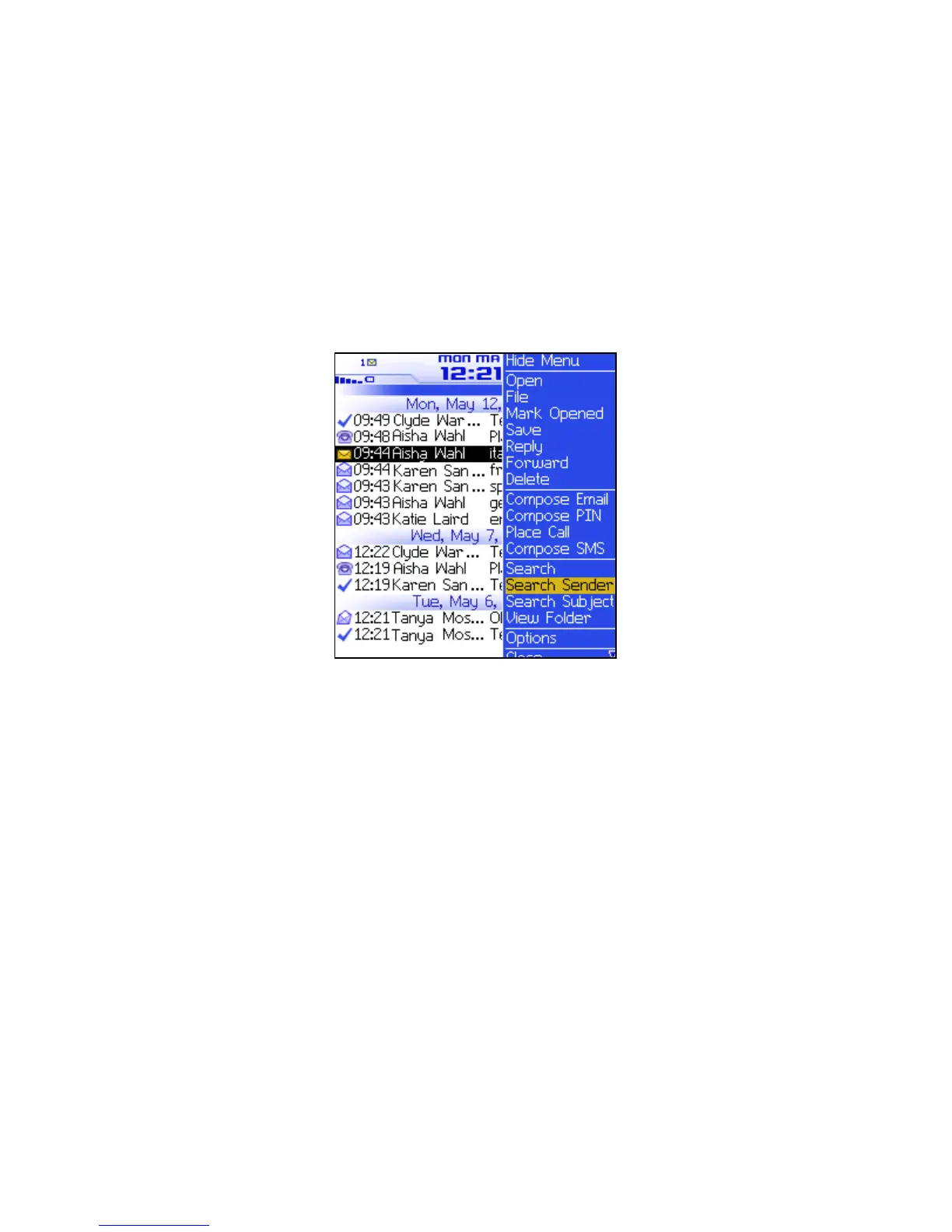
To search for all messages that relate to the sender of the
selected message, click Search Sender.
• To search for all messages that relate to the recipient of the
selected message, click Search Recipient.
• To search for messages with the same subject as the selected
message, click Search Subject.
Messages screen menu — Search Sender item
Marking messages
Mark a message as unopened or opened
1. Open the messages application. The Messages screen appears.
2. Click a message. A menu appears.
3. Select one of the following options:
• To mark the message as opened, click Mark Opened.
• To mark the message as unopened, click Mark Unopened.
Mark messages prior to a specific date as opened
1. Open the messages application. The Messages screen appears.



 To Next Page