1: Messages
18 User Guide
Managing file attachments
If the attachment service is loaded on your handheld, you can open
file attachments on your handheld. You can open attachments with
a .zip, .html, .doc, .ppt, .pdf, .wpd, .txt, or .xls file extension.
Open the table of contents of a file attachment
1. In a message with a file attachment, click the trackwheel. A
menu appears.
2. Click Open Attachment. The Attachments screen appears.
Prerequisite: To open file attachments with a .doc, .ppt, .wpd, .txt, or .xls file
extension, the following requirements must be met:
• Your handheld must be enabled for attachment service on a BlackBerry
Enterprise Server version 3.6 or later for Microsoft Exchange or a BlackBerry
Enterprise Server version 2.2 or later for Lotus Domino.
To open file attachments with a .zip or .html file extension, the following
additional requirement must be met:
• Your handheld must be enabled for attachment service on a BlackBerry
Enterprise Server version 3.6 Service Pack 1 or later for Microsoft Exchange
or a BlackBerry Enterprise Server version 2.2 Service Pack 1 or later for Lotus
Domino.
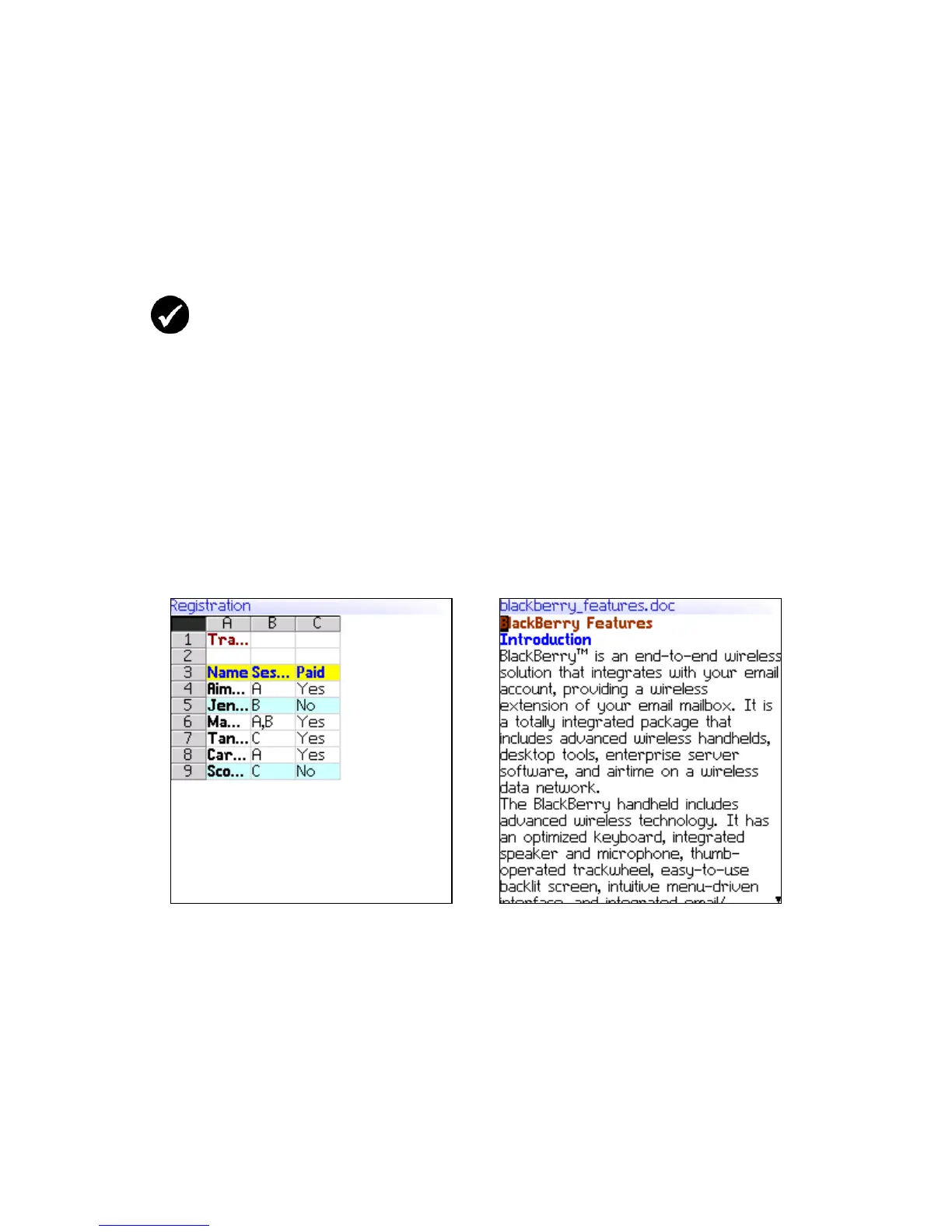
Spreadsheet format
Document format



 To Next Page