3: Phone
50 User Guide
Making phone calls
Make a call
1. Open the phone. The Phone screen appears.
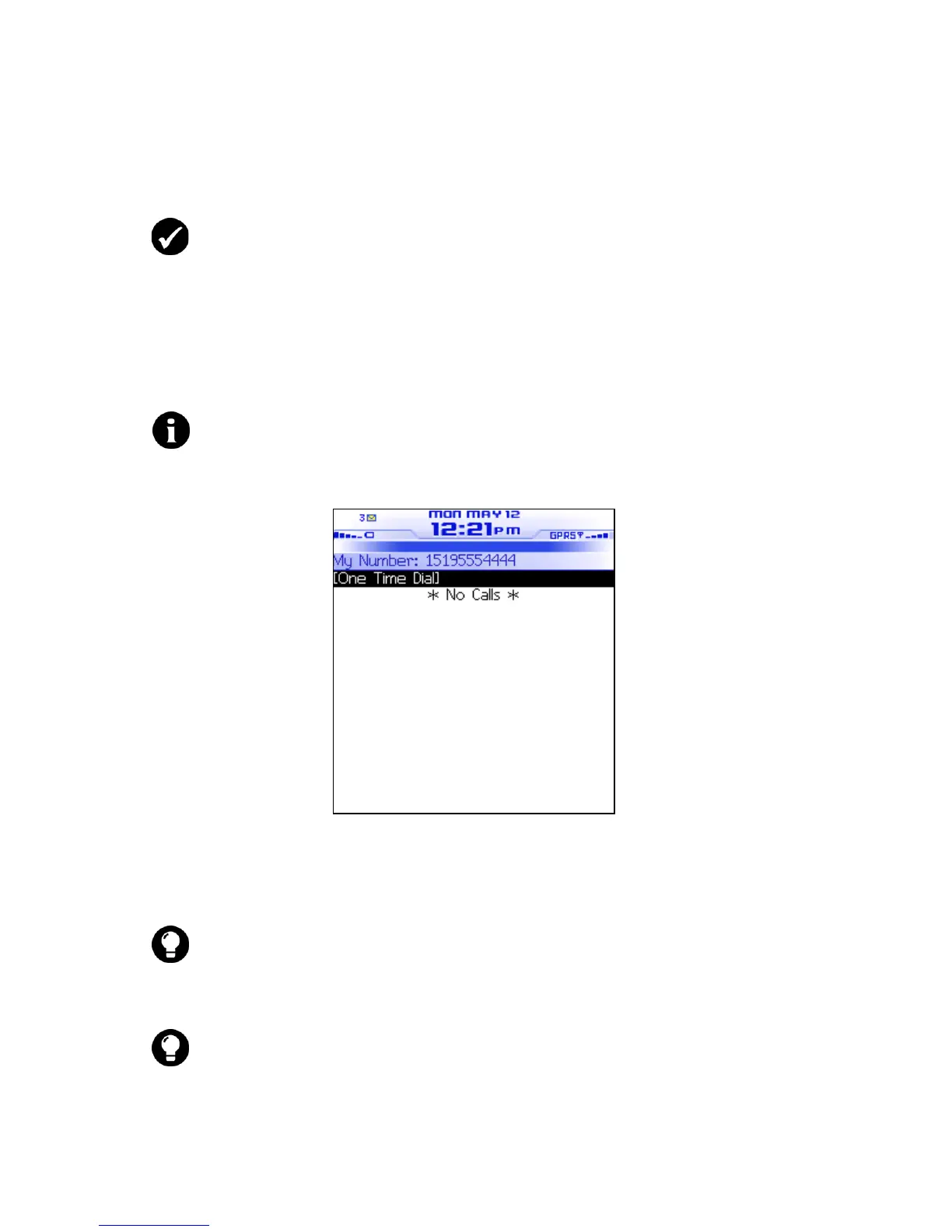
Phone screen
2. Click One Time Dial. The Enter Phone Number dialog box
appears.
3. Type a phone number.
4. Click Call. The phone number is dialed.
Prerequisite: To make a phone call, the following requirements must be
met:
• The wireless coverage indicator must show a level of wireless coverage.
• GPRS, gprs, or GSM must appear with the wireless coverage indicator on
the Home screen.
Note: If you are using a headset, insert the headset connector into the
headset jack at the top of the handheld.
Tip: On the Phone screen, you can also press the Space key to open the Enter
Phone Number dialog box.
Tip: To type a phone number extension, hold the 8 key until the letter
x
appears. Type the phone number extension.



 To Next Page