Browsing web pages
BlackBerry Wireless Handheld 77
View the security settings for a web page
1. On a web page, click one of the following icons:
A dialog box displays security setting information.
Download applications
You can download applications to use on your handheld.
1. On a web page, click an application link. A menu appears.
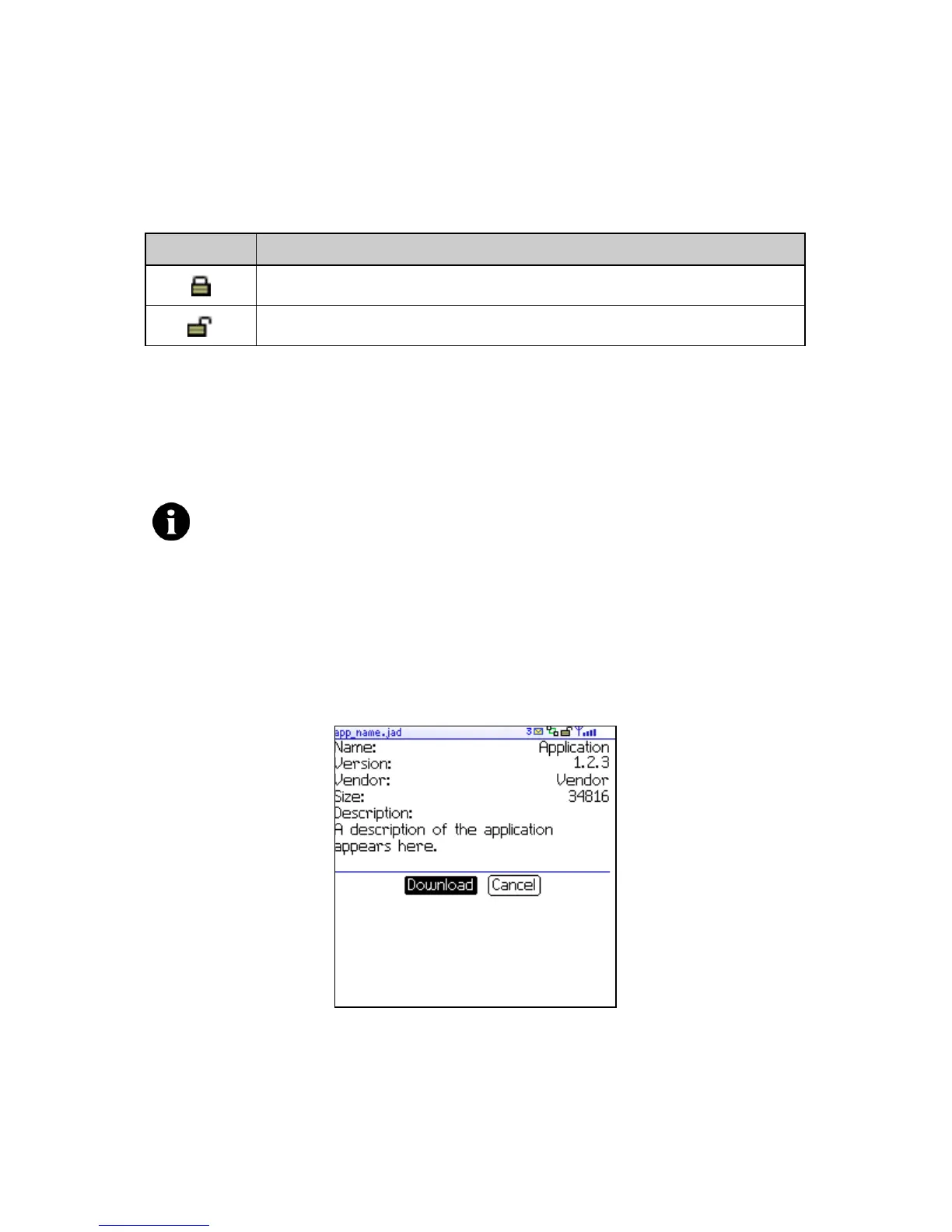
2. Click Get Link. The application information appears.
Application information
3. Click Download. A dialog box appears.
4. Click OK. The application is downloaded.
Icon Description
browser connection to the web page is secure
browser connection to the web page is not secure
Note: You are solely responsible for the selection, implementation and
performance of any third-party applications that you use with the handheld
or desktop software. Research In Motion does not in any way endorse or
guarantee the security, compatibility, performance, or trustworthiness of any
third-party applications, and shall have no liability to you or any third-party
for issues arising from such third-party applications.



 To Next Page