1: Messages
16 User Guide
•
To send an email message, click Email <contact name>.
• To send a PIN message, click PIN <contact name>.
6. Type a message.
7. Click the trackwheel. A menu appears.
8. Click Attach Address. The Attach screen appears.
9. Click a contact. A menu appears.
10. Click Continue. The contact information is attached to the
message.
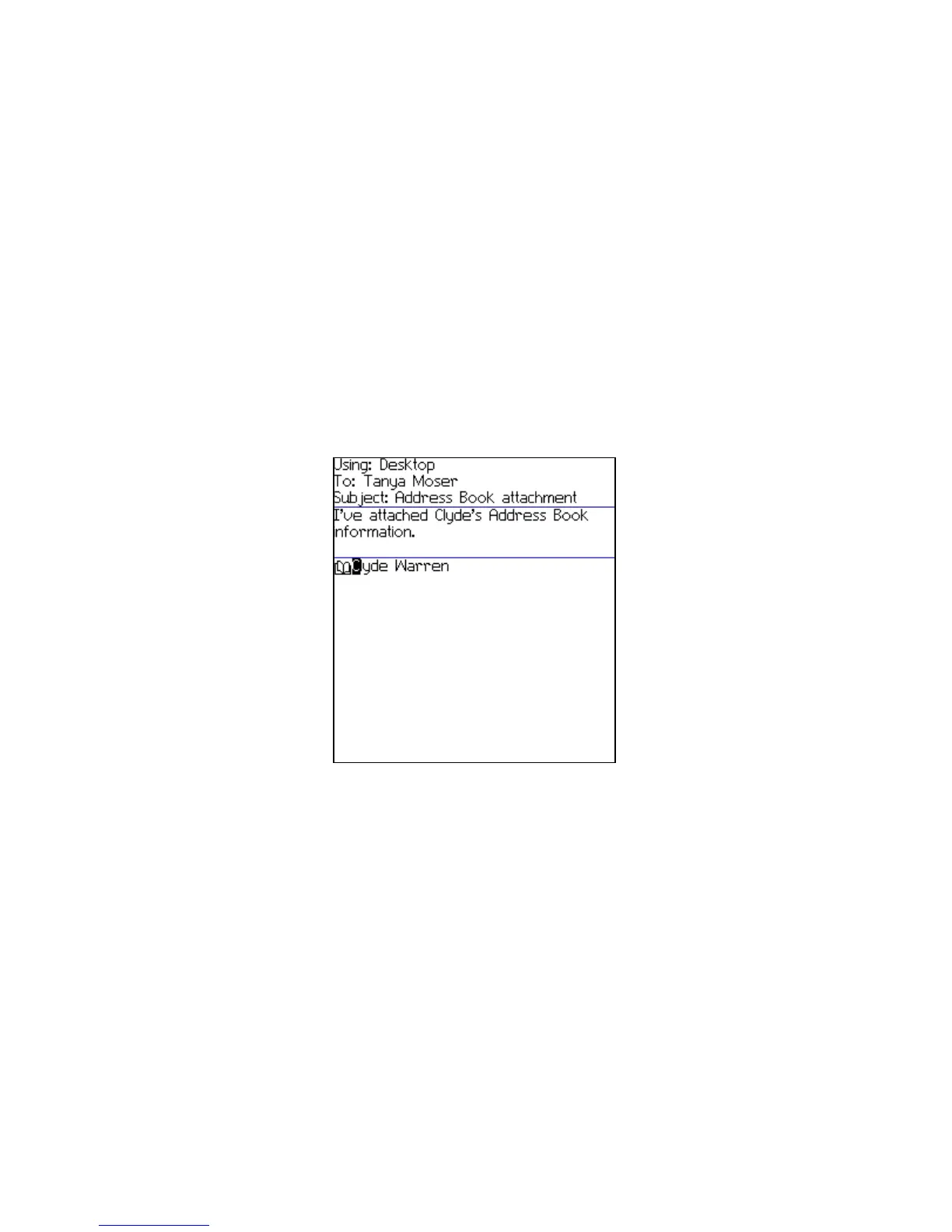
Composing a message — Address book attachment
11. Click the trackwheel. A menu appears.
12. Click Send. The message and attachment are sent.
Open an address book attachment
1. In a message with an address book attachment, place your cursor
in the name of the address book attachment.



 To Next Page