Managing phone call logs
BlackBerry Wireless Handheld 57
Phone call log
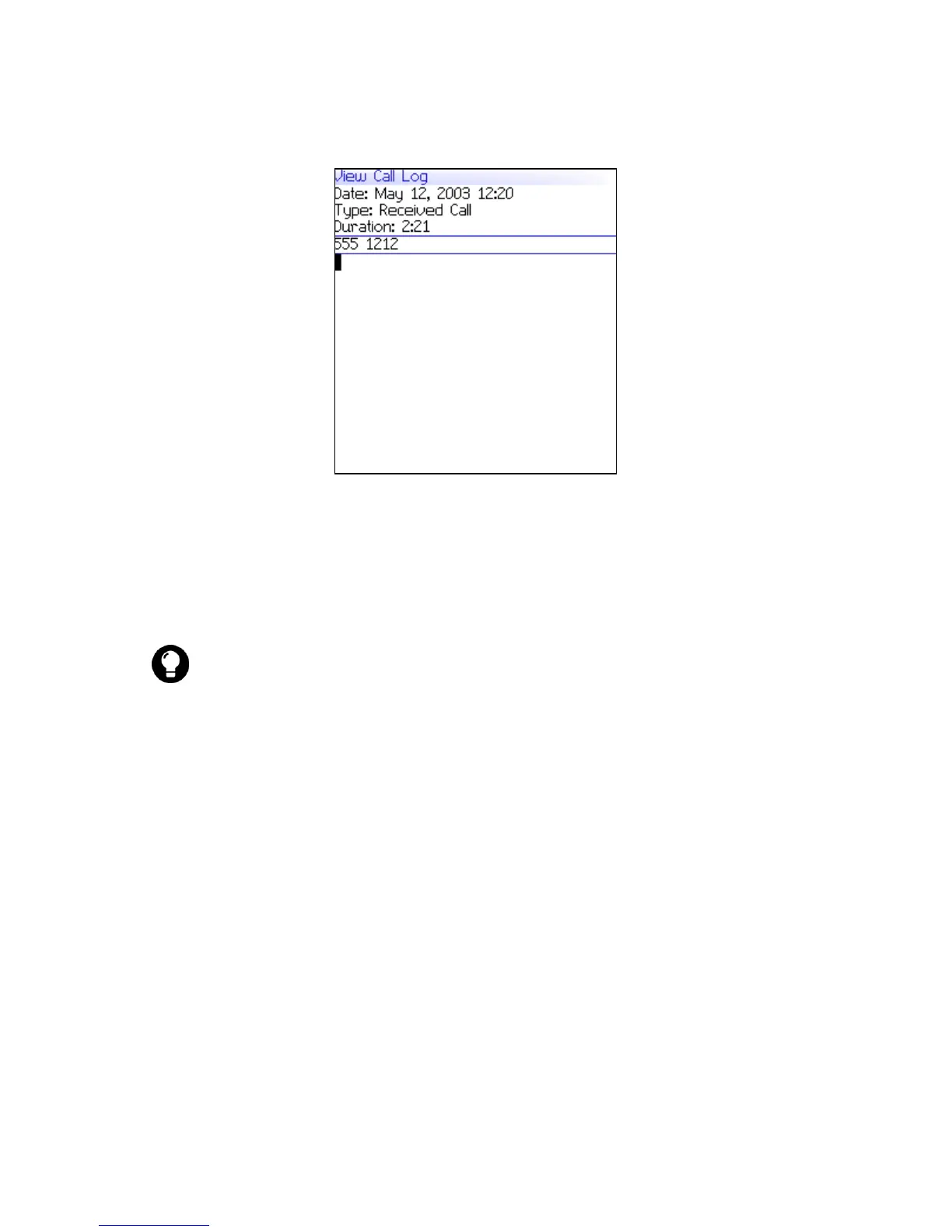
Create or edit phone call notes
After a call ends, you can create call notes to record the details of
your call.
1. Open the messages application. The Messages screen appears.
2. Click a phone call log. A menu appears.
3. Click Open. The View Call Log screen appears.
4. Click the trackwheel. A menu appears.
5. Select one of the following options:
• To create call notes, click Add Notes. Type call notes.
• To edit call notes, click Edit Notes. Edit the call notes.
6. Click the trackwheel. A menu appears.
7. Click Save Notes. The call notes are saved.
Tip: If you use a headset with the handheld, you can add call notes during
a call. Click the trackwheel. A menu appears. Click Notes. Type your notes.
The notes are saved when the call ends.



 To Next Page