4: Browser
74 User Guide
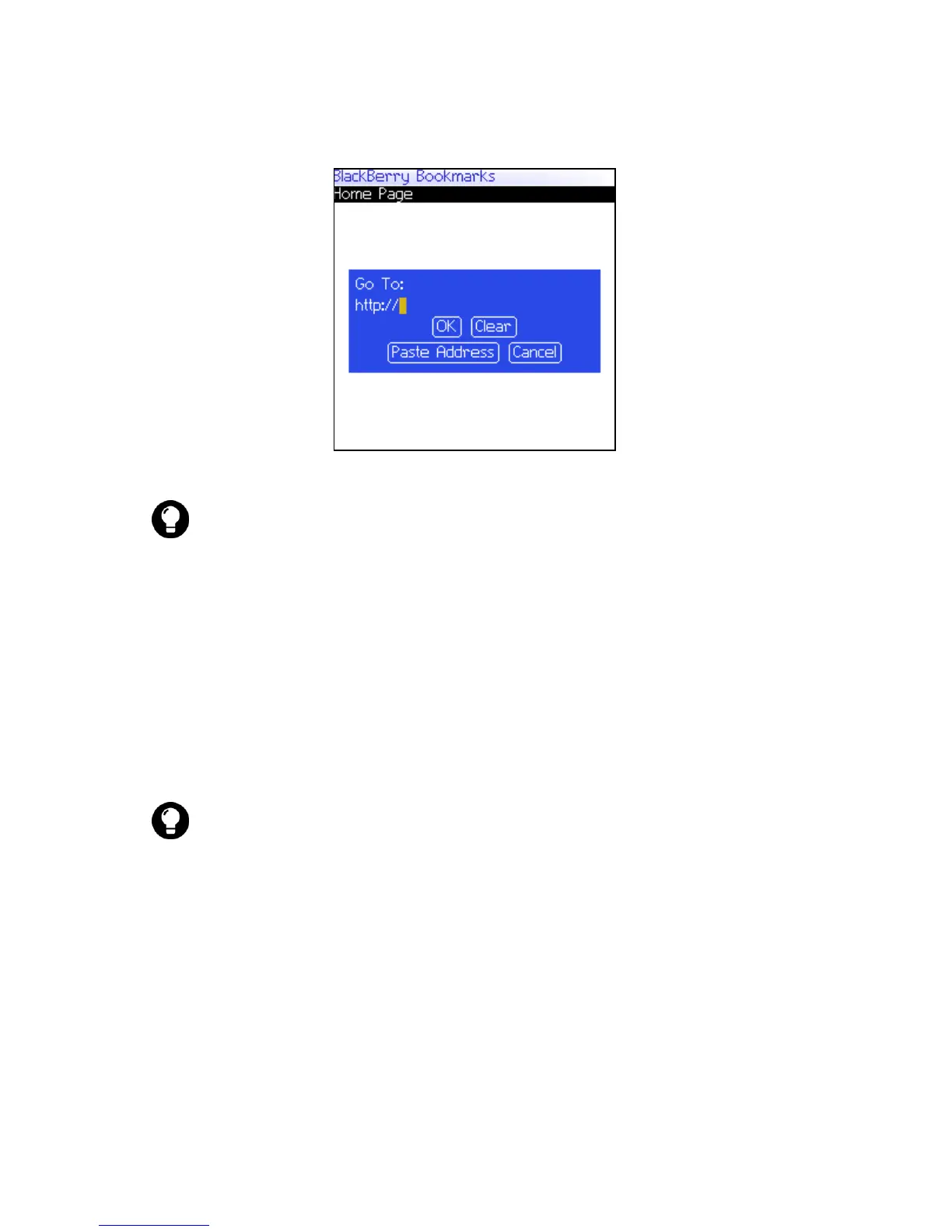
Go To field — Typing a URL
5. Click OK. The browser requests the web page.
Open a web page from a link
Links to web pages appear as underlined text and usually contain
the name or URL of a web page.
1. Click a link. A menu appears.
2. Click Get Link. The browser requests the web page.
Cancel a web page request
1. While a web page is loading, click the trackwheel. A menu
appears.
2. Click Stop. The browser stops requesting the web page.
Tip: Press the Space key to insert a period. Press a Shift key + the Space
key to insert a slash mark (/).
Tip: To open a web page from a link quickly, select the link and hold the
trackwheel.



 To Next Page