4: Browser
82 User Guide
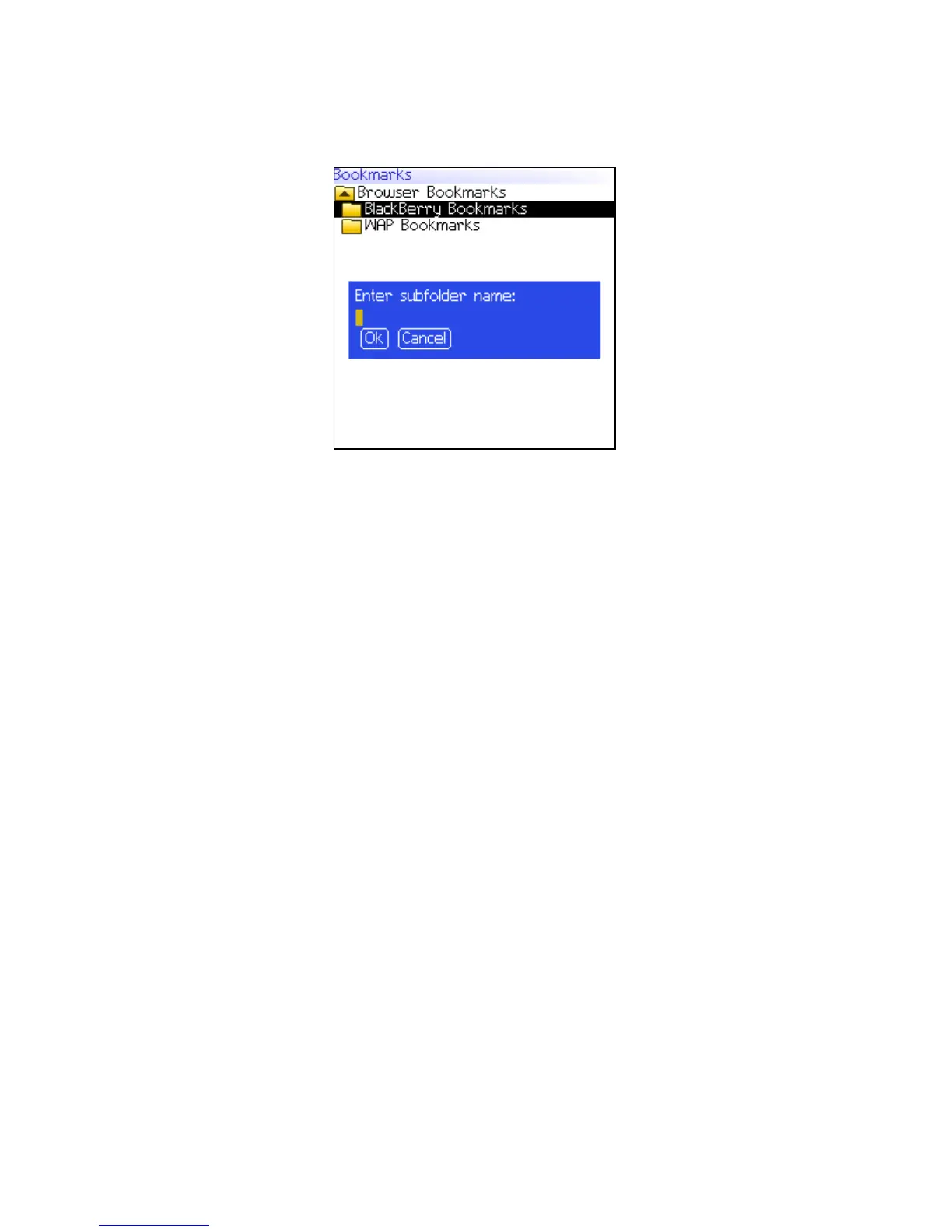
Bookmarks screen — Creating a folder
7. In the Enter subfolder name field, type a name for the folder.
8. Click OK. The folder is saved.
Rename a folder for bookmarks
1. In a browser, click the trackwheel. A menu appears.
2. Click Bookmarks. The Bookmarks screen appears.
3. Click the trackwheel. A menu appears.
4. Click View Bookmark Subfolders. The Bookmarks screen
appears.
5. Click a folder. A menu appears.
6. Click Rename Folder. A dialog box appears.
7. In the Enter subfolder name field, type a new name for the
folder.
8. Click OK. The renamed folder is saved.
Move between folders for bookmarks
Folders that contain other folders are marked with a plus sign (+).
1. On the Bookmarks screen, select one of the following options:



 To Next Page