Navigating in the calendar
BlackBerry Wireless Handheld 89
View the current date
1. Open the calendar. The calendar appears.
2. Click the trackwheel. A menu appears.
3. Click Today. The current date appears.
View a specific date
1. Open the calendar. The calendar appears.
2. Click the trackwheel. A menu appears.
3. Click Go to Date. A dialog box appears.
4. In the Go to Date field, press the Space key until the preferred
options appear.
5. Click the trackwheel. The date appears.
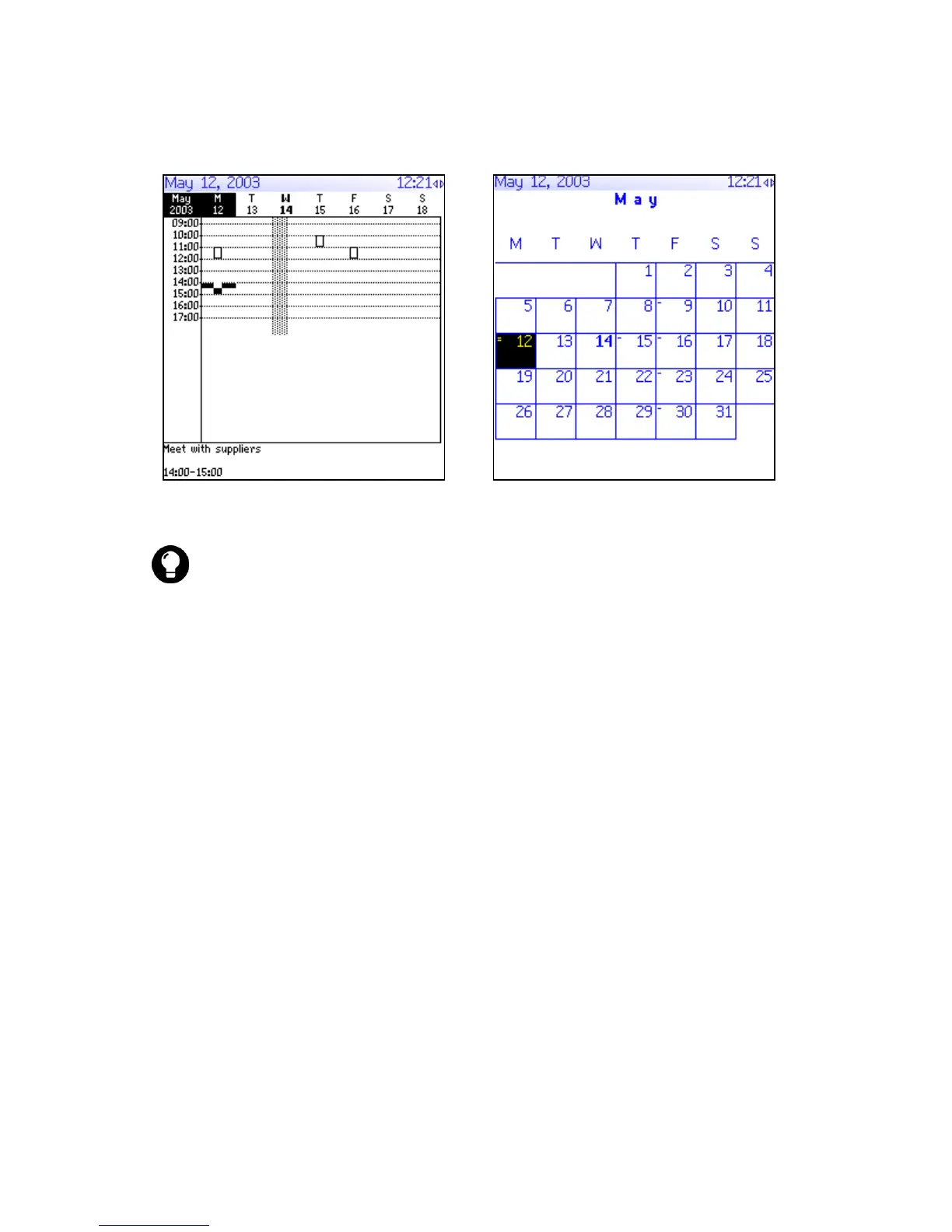
Week format
Month format
Tip: To change days quickly in Day format, scroll to the navigation bar. Click
a day.



 To Next Page