Managing appointments and meetings
BlackBerry Wireless Handheld 91
Create an appointment or meeting
1. Open the calendar. The calendar appears.
2. Click the trackwheel. A menu appears.
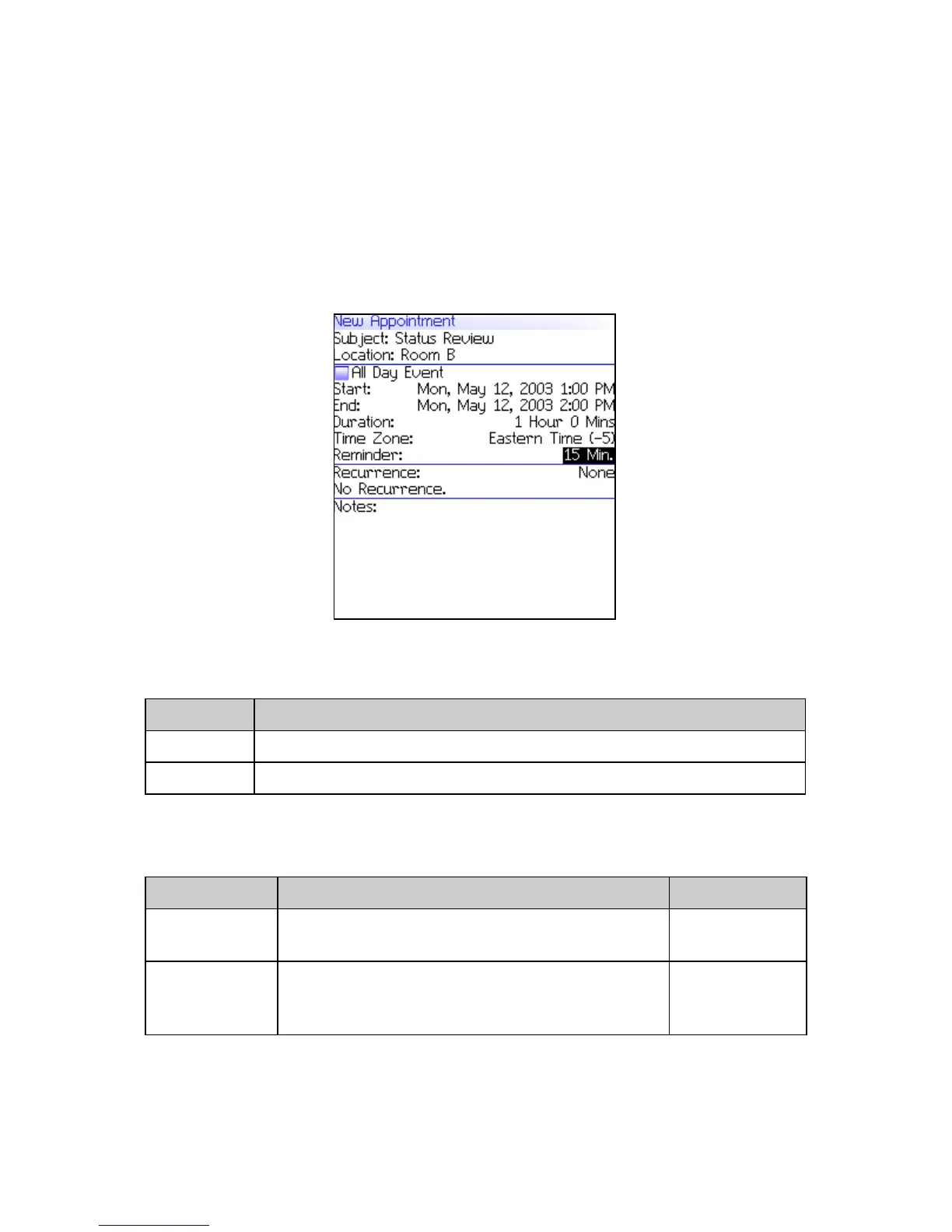
3. Click New. The New Appointment screen appears.
New Appointment screen
4. In the following fields, type the appointment information:
5. In the following fields, press the Space key until the preferred
option appears:
Field Description
Subject Type the subject of the appointment.
Location Type the location of the appointment.
Field Description Default
All Day
Event
Set whether the appointment occupies a full
day.
cleared
Start Set the date and time when the appointment
starts.
selected
date and
time



 To Next Page