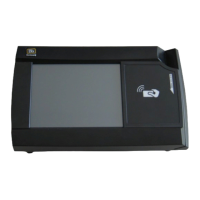
R EADER INSTALLATION OVERVIEW AND WIRING CONSIDERATIONS
1-5
403-002-018 Rev A
INSTALLING THE PR5000 READER
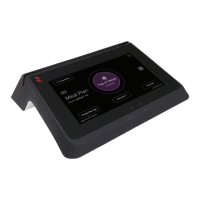
The Blackboard PR5000 Reader can be placed on a tabletop or secured to a wall.
This section includes the following:
• Reader Installation Overview and Wiring Considerations (page 1-5)
•
Tabletop Installation (page 1-6)
•
Wall Mount Installation (page 1-7)
READER INSTALLATION OVERVIEW AND WIRING CONSIDERATIONS
Wiring and Power Considerations:
• Wall Wart power supply. (included)
• The power supply requires a dedicated outlet.
• Power Over Ethernet. (POE)
• POE provides power through the network cable, and reduces cable clutter.
• When providing POE, the maximum LAN cable length must not exceed 100 meters (328 Feet).
• Both the POE switch and PR5000 must be installed within the same building or structure.
• A CAT-5 cable must be connected between the POE switch and the port on the PR5000. (RJ-45)
Note: For a more details, see: the Blackboard Transact System Implementation Guide.


 To Next Page