T ABLETOP INSTALLATION
1-6
403-002-018 Rev A
TABLETOP INSTALLATION
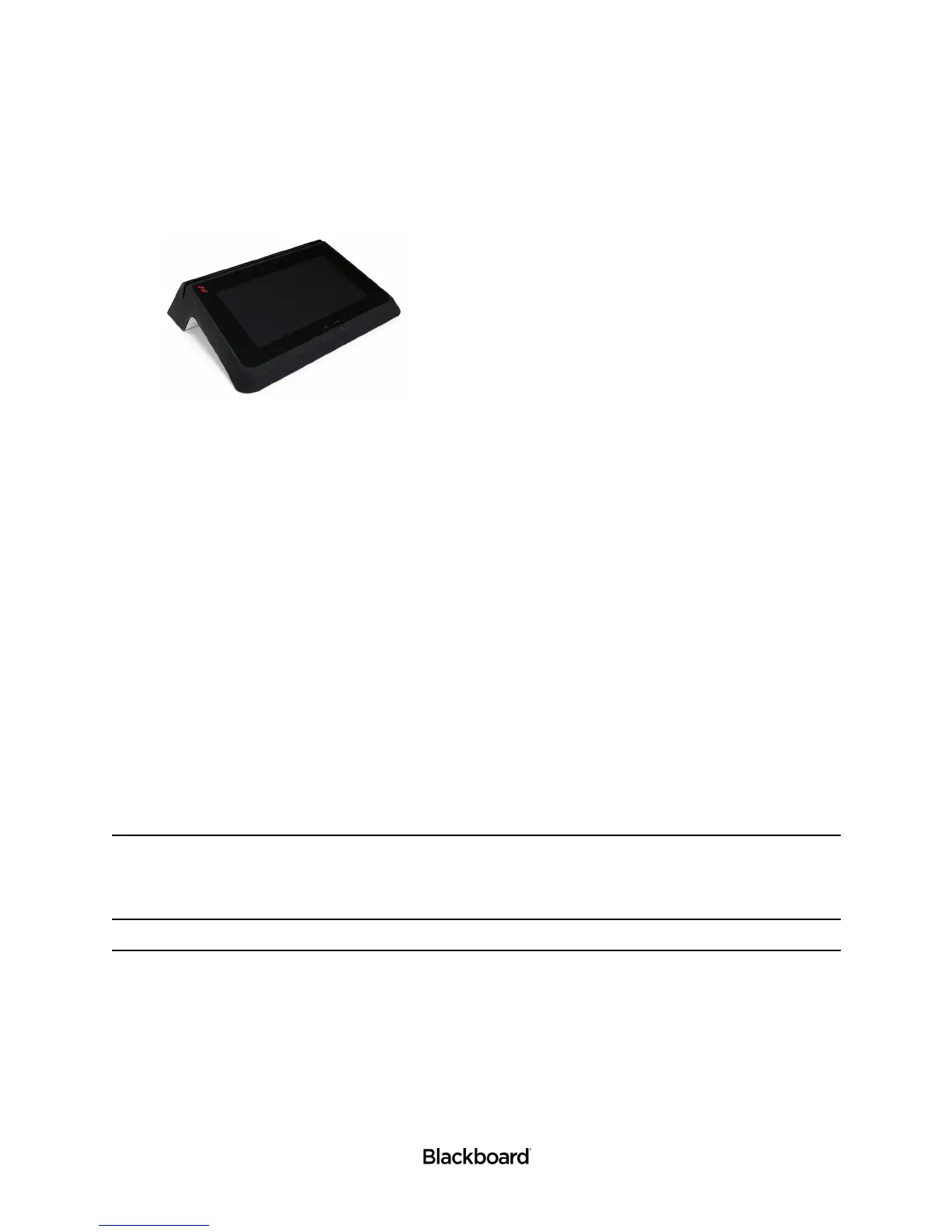
Figure 1-5 PR5000 Tabletop Installation
The PR5000 Reader can be placed on a tabletop for events such as a fundraiser or a library book sale.
This section includes the instructions for installing the PR5000 Reader on a tabletop. Please review the
tabletop installation considerations before continuing.
Tabletop installation considerations:
• Wiring and Power Considerations reviewed.
• The location and the height of the reader should be selected to permit easy access.
• Ensure that Americans with Disabilities Act (ADA) requirements are met.
• In warm climates, the reader should be shaded from direct sunlight.
• The maximum external temperature of the reader must not exceed 104°F (40°C) to ensure that the internal temperature
limit is not exceeded.
• Ensure there is enough clearance for the operator to access the screen and swipe cards.
Install the reader on a tabletop
To install the reader on a tabletop
1 Connect power, network, and communication cables to the reader.
See: PR5000 Functional Overview (page 1-2) and Connecting Cables (page 1-10).
Note: Connecting power is not required when using the battery option.
2 Place the reader on the tabletop, and then neatly route all cables underneath the reader and out of the
way.
Optionally use cable ties to keep all cables together.
3 Connect the power cord to a grounded outlet or power strip.
Tabletop installation is complete. See: the Point of Sale (PR5000) Configuration Guide to complete
your set up.


 To Next Page