28
SERVSWITCH™ SPECTRA
Your Spectra should now be ready for operation using
its default settings, though if either of your computers is
an old PS/2 machine or a UNIX workstation, you might
need to send a Set Keyboard Mode command (see
Appendix C) to get proper keyboard communication.
To take full advantage of the Spectra’s features, refer to
Chapter 4 for full details about the Spectra’s commands
(which are summarized in Section 4.1). To begin
switching immediately, however, just press and release
your keyboard’s left Control key ([Ctrl]), then—within
the next two seconds—press and release the [1] or [2]
key on the regular keyboard (not the numeric keypad)
to switch to CPU 1 or CPU 2 respectively.
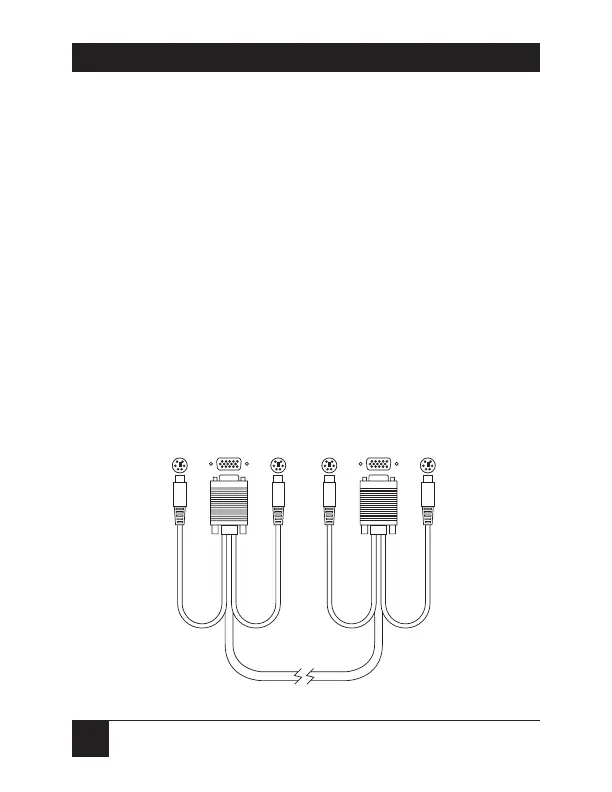
Figure 3-1. A standard CPU-Extension Cable (EHN404).
6-Pin
mini-DIN
HD15
6-Pin
mini-DIN
HD15
6-Pin
mini-DIN
Keyboard
and
mouse
strands
emerge
from
video
connector



 To Next Page