Page 21
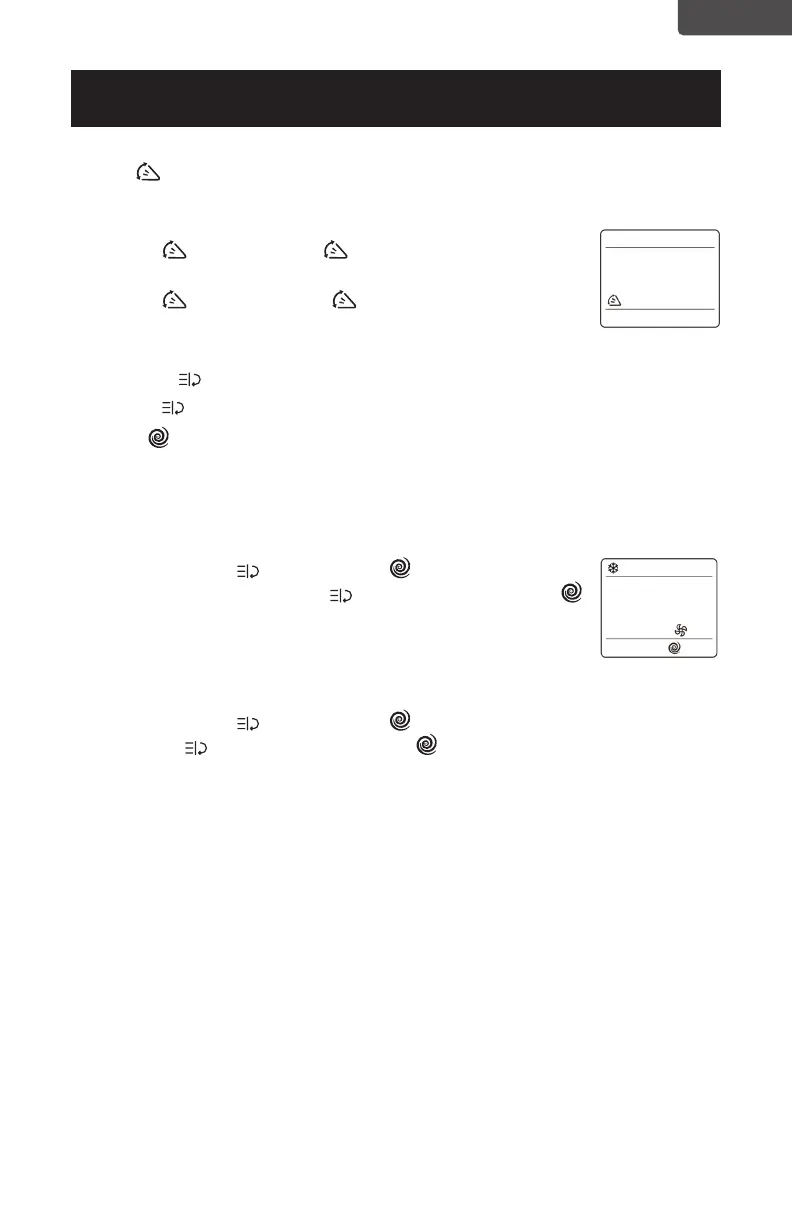
SWING BUTTON
This button will activate the air swing of the louvers while in COOL, DEHUMDIFY
and FAN modes.
• Press the
button , and the symbol will illuminate on the
LED screen of the remote. The deector will start to swing.
• Press the
button again, the symbol disappears.
The deector will stop swinging.
FUNCTION BUTTON
• Press the to access FOLLOW ME and TURBO functions.
• TURBO
is ideal for a warm room. It will automatically set the temperature to
64°F (18°C) at HIGH Fan speed to cool the room in the shortest time.
• This function only operates in COOL mode.
TO OPERATE TURBO
• Press the Function button, TURBO symbol flashes on
screen then press the function
button again, the TURBO
symbol will stop flashing and will illuminate on the LED screen
indicating that TURBO is activated.
TO CANCEL TURBO
• Press the Function
button, TURBO symbol flashes on screen then press
the function
button again, the TURBO symbol will stop flashing and will
no longer be illuminated in the LED screen indicating that TURBO function is
deactivated.
SET UP & USE
ENGLISH



 To Next Page