
 Need help?
Do you have a question about the Blackweb BWA19AAS90 and is the answer not in the manual?
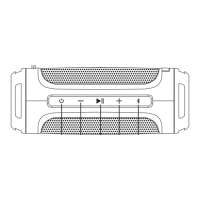
Press and hold the power button for 2 seconds to turn the device on or off.
Controls for adjusting volume and navigating tracks on the speaker.
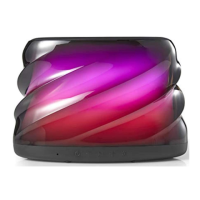
Describes the meaning of different LED light states during operation.
Guide to connect the speaker to a Bluetooth-enabled device.
Instructions to disconnect the speaker from the paired device.
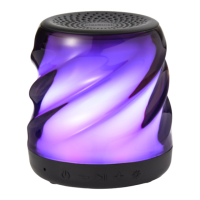
Cycle through different LED lighting effects and modes.
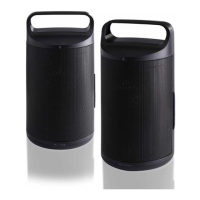
Connect two speakers for a stereo or party sound experience.
Connect audio devices using the AUX-IN port.
Manage incoming calls: answer, end, move, or reject calls.
Device compliance with digital device and radio frequency regulations.
Details the IPX4 rating, indicating water resistance from splashes.
Instructions for cleaning the speaker and protecting ports.
Essential safety precautions for using the electrical product.
 General
| Brand | Blackweb |
|---|---|
| Model | BWA19AAS90 |
| Product Type | Bluetooth Speaker |
| Connectivity | Bluetooth |
| Battery Type | Lithium-ion |
| Battery Life | Up to 10 hours |
| Charging Time | 3-4 hours |
| Output Power | 10W |
| Water Resistance | IPX5 |
| Color | Black |
| Input | 3.5mm AUX |

 To Next Page