
 Need help?
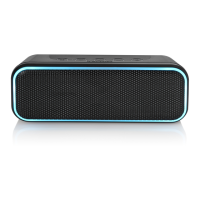
Do you have a question about the Blackweb BWD19AAS02 and is the answer not in the manual?
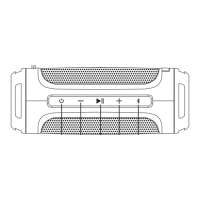
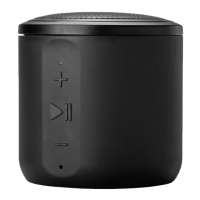
Press and hold the power button for 2 seconds to turn the device on or off.
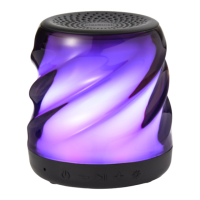
Steps to pair your device with the BW LED SPK M speaker via Bluetooth.
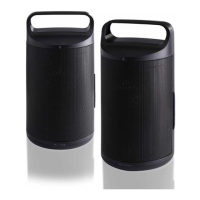
Instructions to pair two speakers for party mode and unpair them.
Use the play/pause button to answer or end calls.
Press and hold play/pause for 3 seconds to move calls between speaker and device.
Press and hold play/pause for 3 seconds to reject an incoming call.
Basic precautions for using electrical products safely.
Adjust volume responsibly to avoid hearing damage. Turn up gradually.
 General
| Brand | Blackweb |
|---|---|
| Model | BWD19AAS02 |
| Connectivity | Bluetooth |
| Color | Black |
| Product Type | Speaker |
| Weight | 1.1 lbs |

 To Next Page