5
EN
Feature Introduction
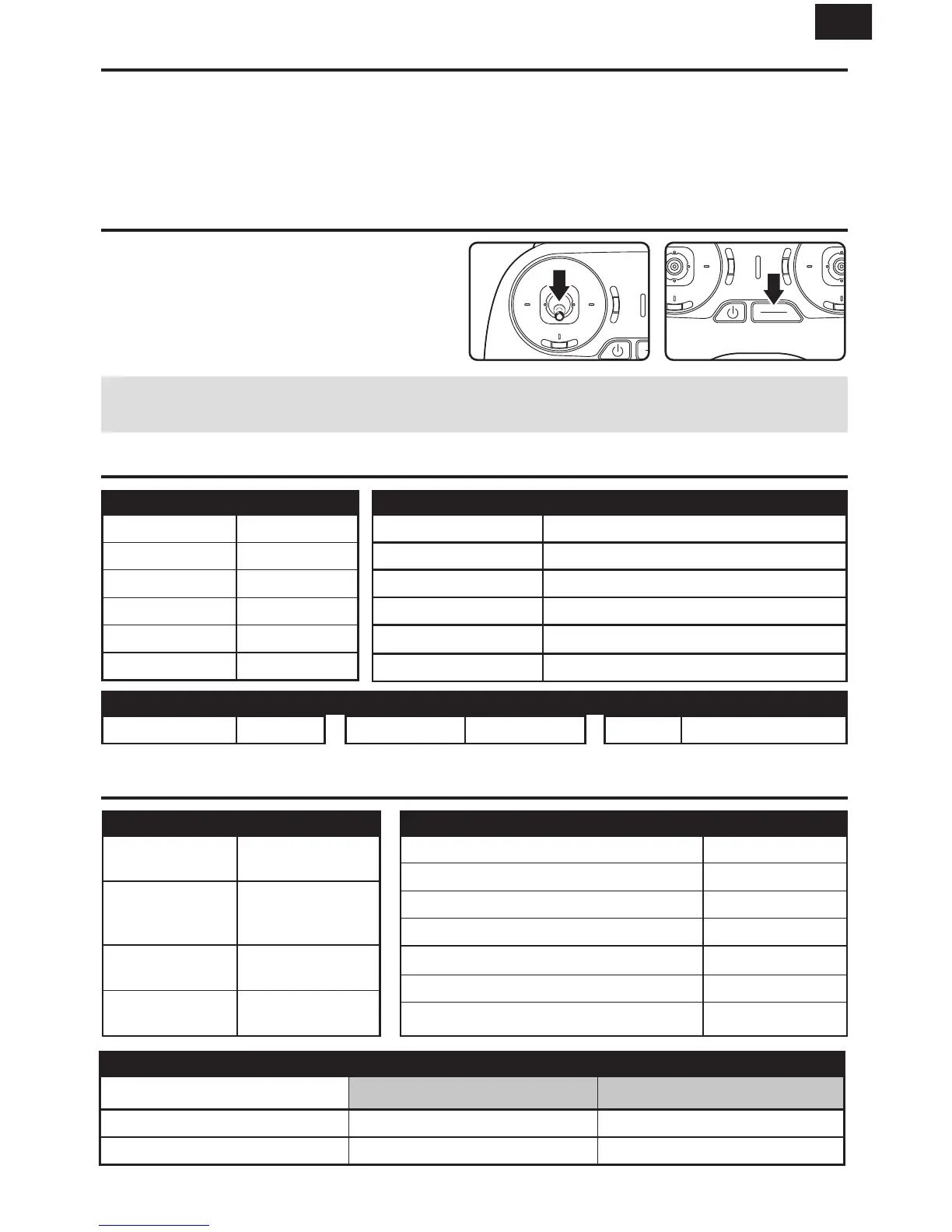
Meow “Meow” mode automatically uprights your crashed aircraft to maximize flying and minimize walking.
Press the START/STOP button once to stop the motors. Press again to flip your aircraft upright.
Auto-Flip You can press the flip button either when the aircraft is hovering or flying in the air to do a loop.
(auto-flip only works in altitude mode)
1
2
Landing
1. Push the throttle down until the aircraft touches
the ground.
2. Press the Start/Stop button to stop the motors.
NOTICE: Low voltage cutoff can protect the battery effectively by avoiding over-discharge. When the camera
indicator and aircraft indicator flash red together, please land the aircraft as soon as possible.
Specifications
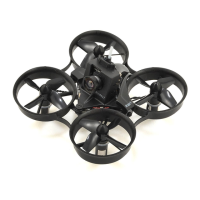
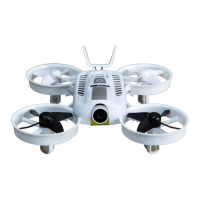
Aircraft
*(Battery Included)
Transmitter
Camera
*dependant on mobile device
Take-off Weight*: 2.3oz (65g)
Battery: 1S 550mAh LiPo
Length: 5.3in (135mm)
Width: 5.1in (130mm)
Height: 1.8in (45mm)
Flight Time: Approx. 4+ min
Radio Frequency: 2. GHz Control Range: 330ft (100m) Battery: Built-in Li-Po Battery
FOV: 117°
Effective Pixels: 13MP
Video Recording Modes: 1080p 60fps/480p 60fps
Video Trans. Range: Up to 300ft (91m) w/ Cellphone**
Latency:
<100ms
LED Status Indication
Aircraft Camera
Connected to
transmitter
Blue Solid On
Wait for
transmitter to
Connect
Blue Flashing
Rapidly
Lost Connection
with transmitter
Blue Flashing
Low Voltage
Warning
Red Flashing
Wi-Fi Not Ready Red Solid On
Battery Low Voltage Warning Red Flashing
Wi-Fi Ready to Pair (Memory Card Installed) Green Flashing
Wi-Fi Connected (Memory Card Installed) Green Solid On
Photo-Taking
Blue Flashing Once
Video-Recording Blue Flashing
Memory Card Full/without Memory Card Yellow Flashing
Transmitter
Control Rate (High) Control Rate (Low)
Battery Level (Full) Green Solid On Green Flashing
Battery Level (Low) Red Solid On Red Flashing


 To Next Page