7
EN
Binding for “X” and “+” Flight Configurations
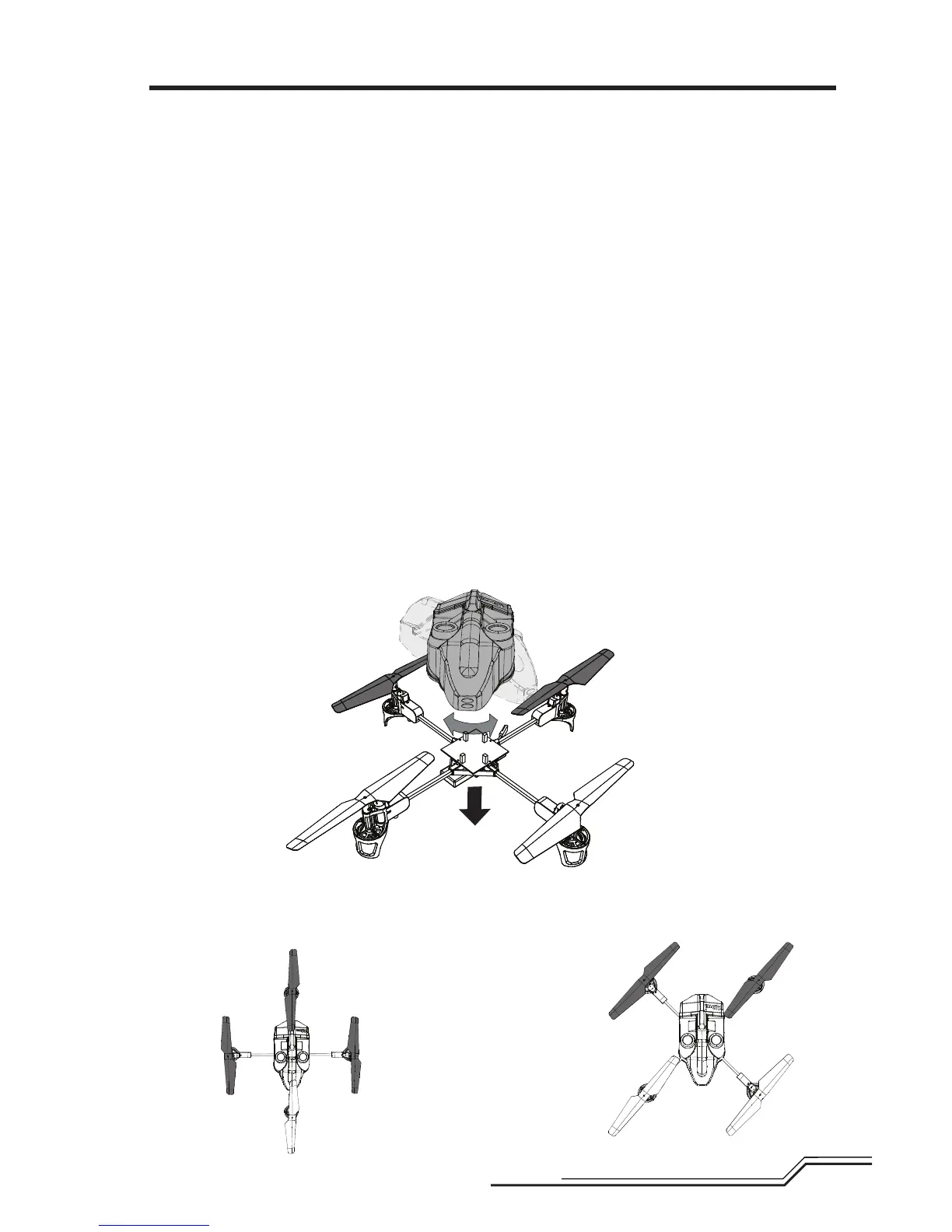
YourmQXcomesoutoftheboxin“X”conguration.Itisalsocapableofbeingownin“+”conguration,ifthatis
yourpreference.ToythemQXin“+”conguration:
1.RemovetheQuad-Coptercanopy
2.Turnthecanopycounterclockwise45degrees(refertothearrowsonthecircuitboard)
3.Reinstallthecanopyonthemountingframe.
TheLEDstatuswillindicatewhichmodeyourQuad-Copterisin.WhentheLEDonthe4-in-1Controlunitissolid,it
isin“X”conguration.Ifitisblinkingrapidly”(threequickblinks,ashortpauseandthenthreemorequickblinks,
etc.)”,itisin“+”conguration.
Switchingfrom“X”to“+”requiresanextrastepduringthebindingprocedure.Failuretofollowtheadditionalsteps
belowwillsimplyleavethemQXin“X”conguration.
“X” Flight
Configuration: BindyourmQXaccordingtotheinstructionsgiveninthebindingsection.Immediatelyafterenter-
ingBindMode,movetherudderstickfullytotheleftandholditthereuntiltheBindingprocessis
complete.Thiswillsetthe4-in-1controlunit’sightmodeto“X”conguration.Youmaynd“X”
congurationtobeslightlymoreresponsiveinightduetotheorientationoftherotors.
“+” Flight
Configuration: BindyourmQXaccordingtotheinstructionsgivenabove.ImmediatelyafterenteringBindMode,
movetherudderstickfullytotherightandholditthereuntiltheBindingprocessiscomplete.This
willsetthe4-in-1controlunit’sightmodeto“+”conguration.
Attention:Ifbindingisnotperformedcorrectly,themQXwillyinthelastmodeitwasinbeforetheattempted
bind.
Important:Sometransmitterswillnotgointobindmodewhenrudderisheldduringpower-up.Inthissituation,
makesureyoureleasethebindbuttonbeforeholdingtherudderstick.
Front
(X-Mode)
“X” Flight
Configuration
“+” Flight
Configuration
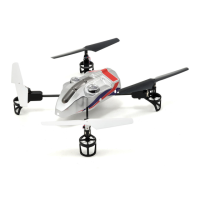
TIP:TodeterminethefrontofyourQuad-Copterduringight,changethepropellersasneeded,accordingto
illustrationsbelow.Usethewhite-coloredpropellertoindicatethefrontofthe“+”and“X”congurations.Install
theblack-coloredpropellersattheotherpropellerlocations.


 To Next Page