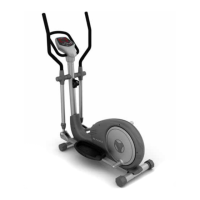
BLADEZ BF-390E Elliptical
OPERATION CONTINUED
Explanation of Keys
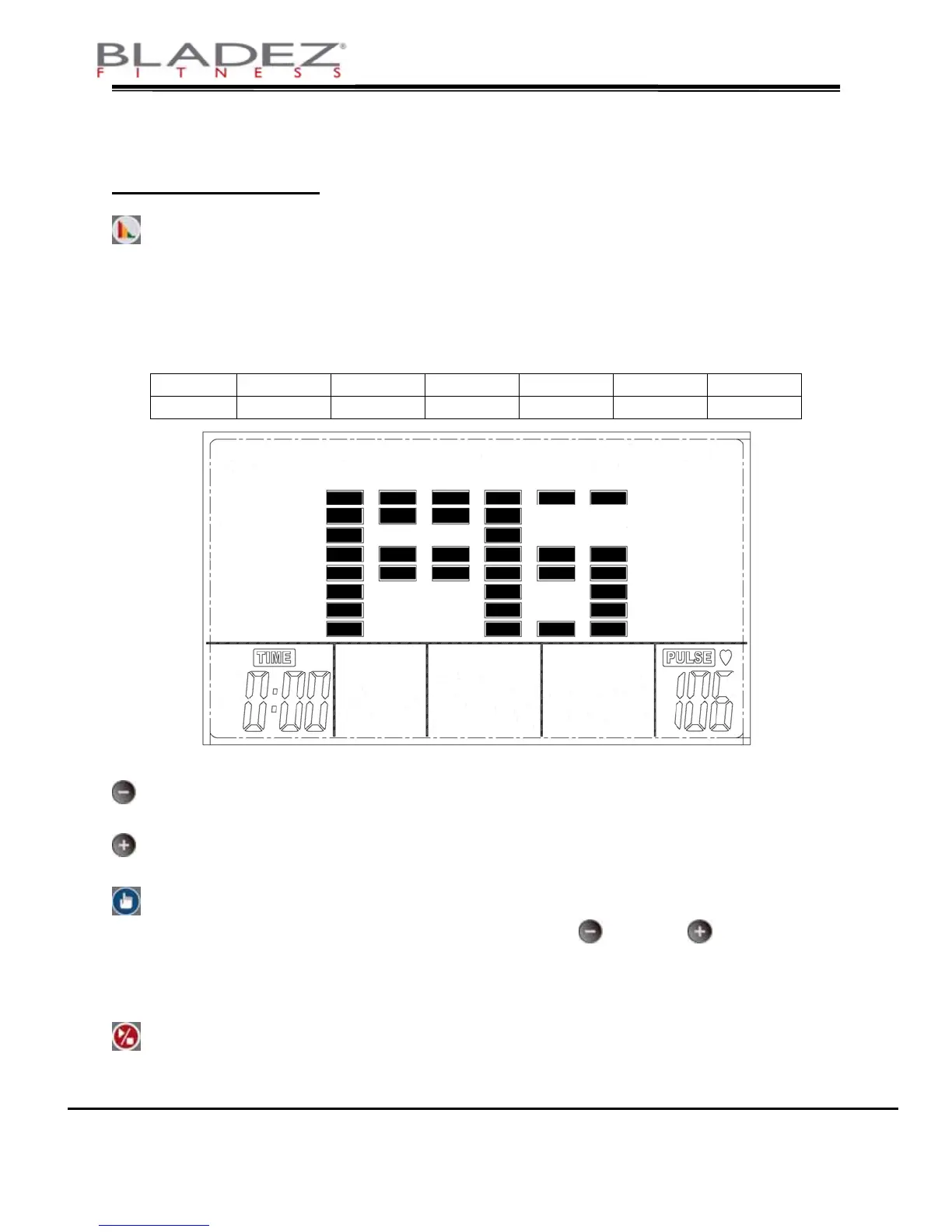
RECOVERY PULSE: Press to test pulse recovery and health index. At
the end of your exercise, press this key and
grasp the pulse rate sensors. TIME counts down
from 1:00 minute. After one minute the main area
displays F1~F6 as shown in drawing 1 below.
DISPLAY F1 F2 F3 F4 F5 F6
SHAPE Best
Very Good
Good Fair Bad
No Good
Drawing 1
“-“ Key: Press to decrease setting. Hold for 3 seconds to
continuously decrease setting.
“+” Key: Press to increase setting. Hold for 3 seconds to
continuously increase setting.
MODE: Setup key. Press this key to set PROGRAM, TIME
and DISTANCE etc. Use
“-“ and “+” to set
parameters. This key is also used to reset the unit.
Press and hold for 3 seconds to reset all values to
default settings.
BLADEZ FITNESS • BH North America Corporation
20155 Ellipse • Foothill Ranch • CA • 92610 • www.bladezfitness.com
12
START/STOP: Press to start and pause display updating. When
the computer is turned on, press this key when you
begin pedaling and the values will begin to update.


 To Next Page