Electronic
Contr
ol
Control
panel
description
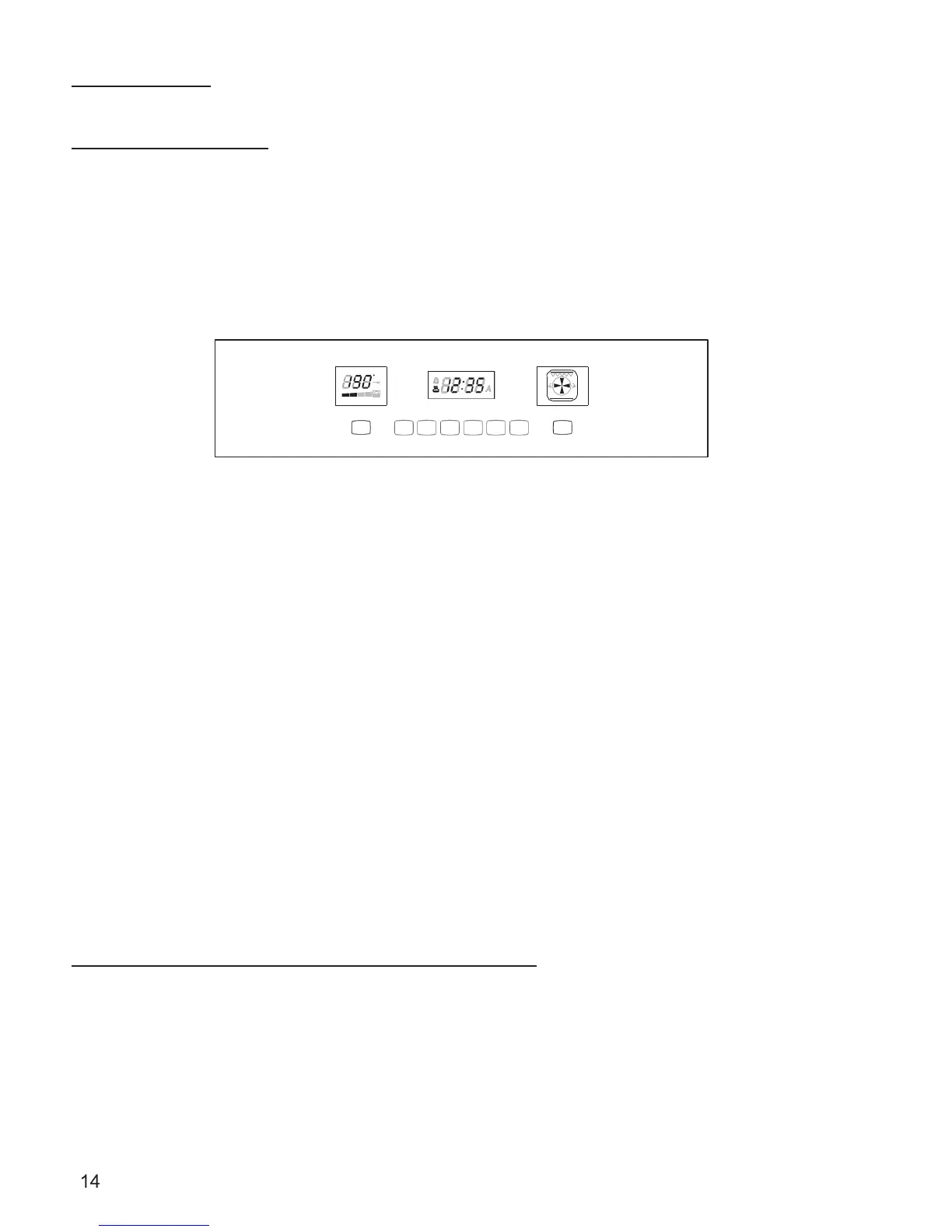
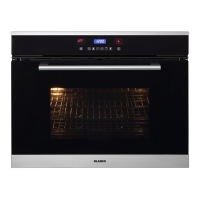
The oven control panel is made by three displays and eight touch sensor keys. Please note that the display
drawings below are not exactly the same as the final product however the working is the same. The display
shows the following:
>
Time.
>
Temperature.
>
Function.
c
m
in
A B C D E F G
H
Fig. 8
>
[A] Touch this key to enable the fast preheat
>
[B] This key is used to set the clock, the minute minder and the buzzer volume.
>
[C] This key is used to set the cooking duration and the stop time.
>
[D] Touch or hold this key in order to decrease the displayed value.
>
[E] Touch or hold this key in order to increase the displayed value.
>
[F] Touch this key to switch the oven lights on/off.
>
[G] This key is used to set the oven functions and the related temperature.
>
[H] Touch this key in order to switch the oven on and make it available for any activity or touch it to switch
the oven off when it’s active.
P
o
wer
-up
At every power-up, wait for about 7 seconds until a triple beep sounds: the special touch circuit performs a self-
calibration and it’s important to avoid any touch during this phase.
The latch mechanism runs an automatic self-test: the oven door locks and unlocks. This operation takes about half
a minute. The lock symbol on the temperature display turns on:
1. It flashes while the action is in progress.
2. it’s steadily on when the door is fully locked.
3. it’s off when the door has been unlocked.
Do not try to open the door until the lock symbol has disappeared.
The control shows the time of day blinking set at 12:00 as the initial value. The time increases every minute,
all oven operations are inhibited until the time of day is set.


 To Next Page