12
To answer a call using the call handling button or answer
automatically by BLINC™ headset
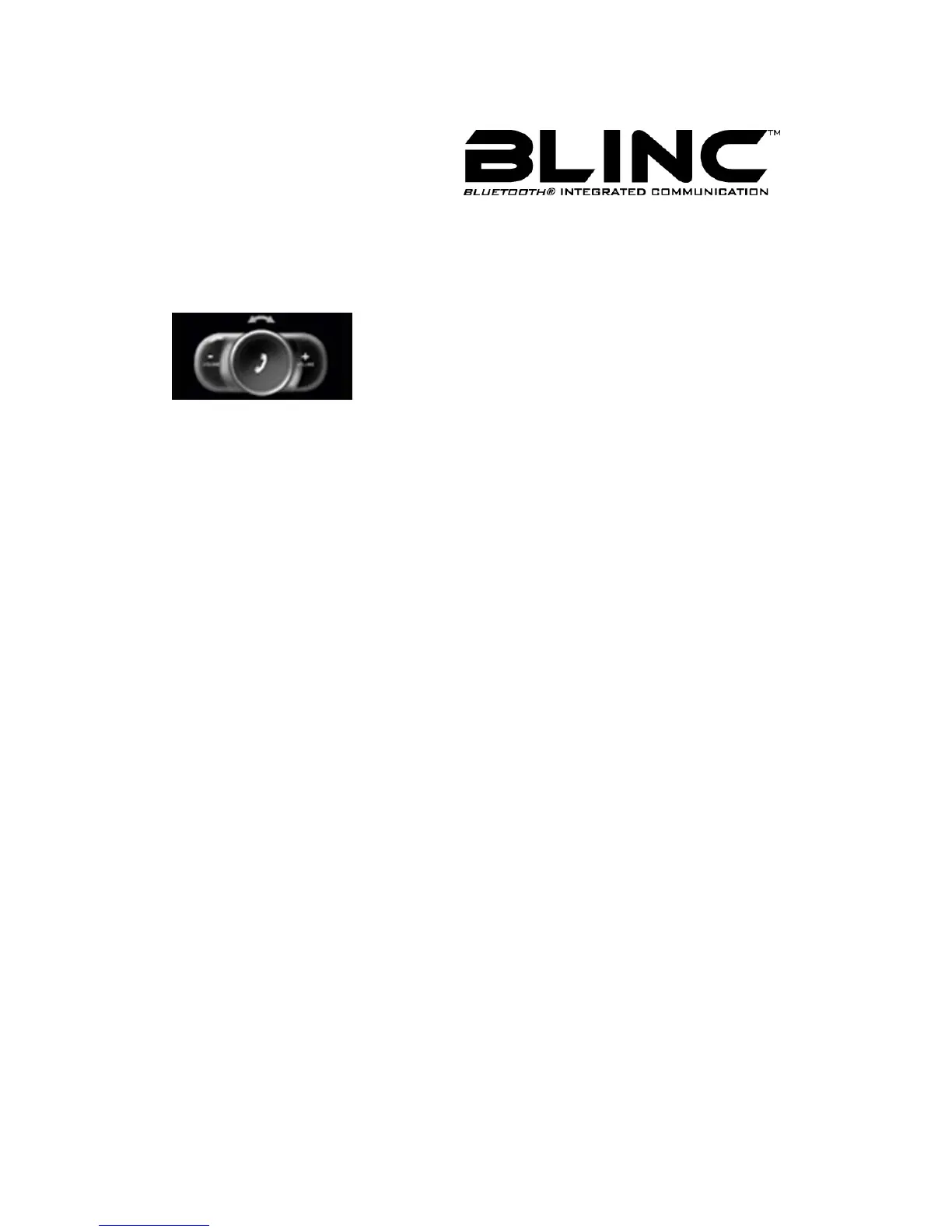
When the BLINC™ headset rings, press the Call Handling Button (MFB) to answer the
incoming call .Or
BLINC™ headset will auto answer the call after 3 seconds.
Terminate call
Press the Call Handling Button (MFB) to terminate call.
To reject a call
When the BLINC™ headset rings, press and hold the Call Handling Button (MFB) until
you hear a long beep.
Note: this function is valid only if your phone supports Hands-Free Profile.
Last Number Redial
If BLINC™ headset is idle, press and hold the Call Handling Button (MFB) until you hear a
long beep, then release.



 To Next Page